How to build a women's hair salon website with AI
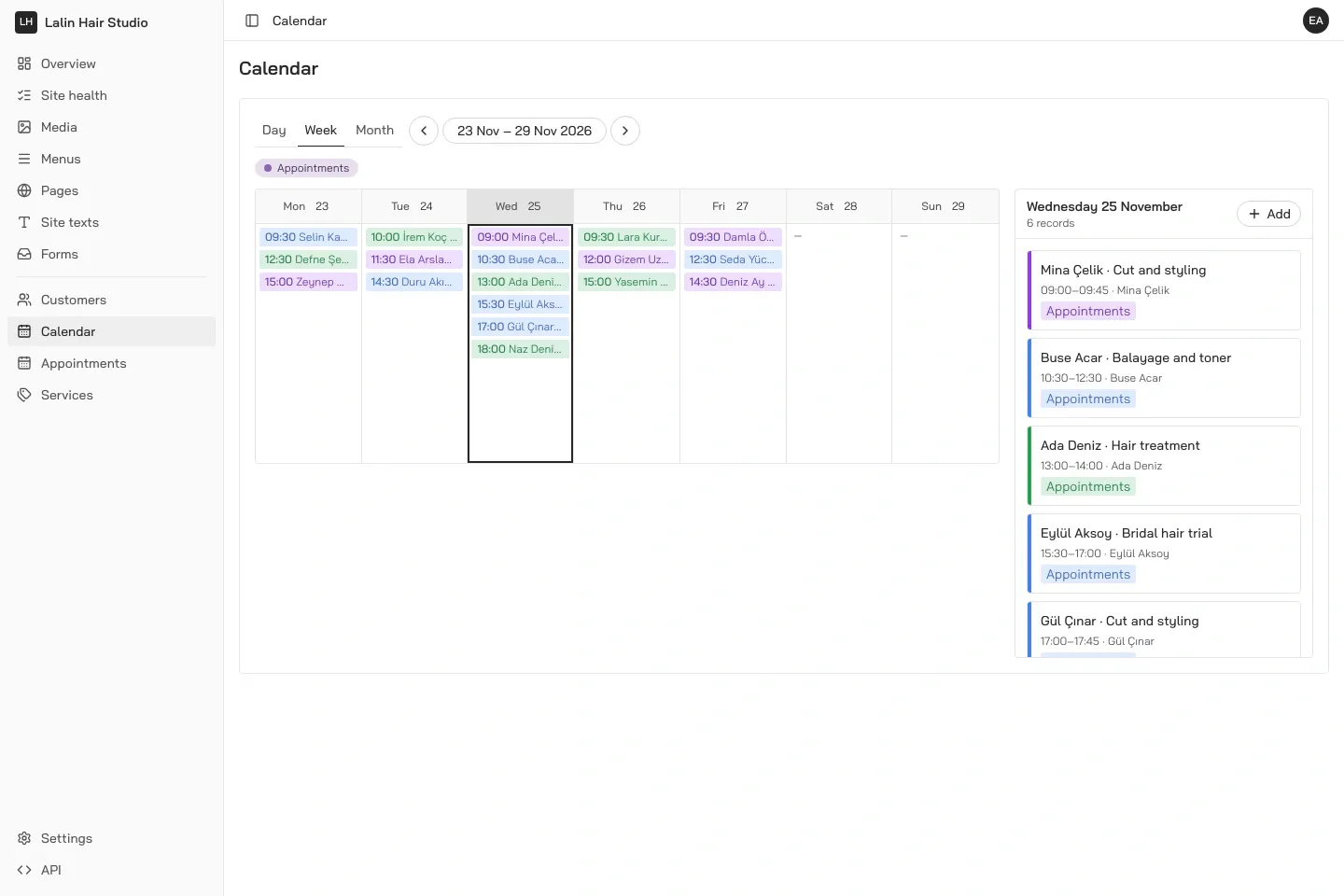
A hair salon's website answers two questions: what do you offer at what price, and when is the next free appointment? On Workzed you describe your work in your own words; the AI consultant asks questions, shows the pages it will set up and builds what you approve. Your cuts, balayage, treatments and occasion styling go online with their durations and prices, and clients choose a service and an available time to book it themselves. In the admin panel appointments sit on one calendar by date, time and stylist, and each client's previous appointments are kept on their own record.
A hair salon's day with Workzed
- In the morning you open the calendar and see each stylist's day; bookings made on the site overnight are already in place. A long balayage takes up as much time as the service lasts, so no second appointment can be booked with that stylist at the same time.
- Before noon a bridal styling consultation request arrives. The form does not create a confirmed appointment; you read it in the panel, call the client, agree a trial date together and put it on the calendar yourself.
- In the afternoon a regular client comes in for a colour refresh; her record shows her contact details and previous appointments. Everyone on your team sees only the client information their work requires.
- In the evening you check tomorrow's calendar, and clients get their appointment reminders by SMS, WhatsApp or e-mail. You update a treatment whose price has changed in the panel, and the site shows the new price too.
What the site and panel include
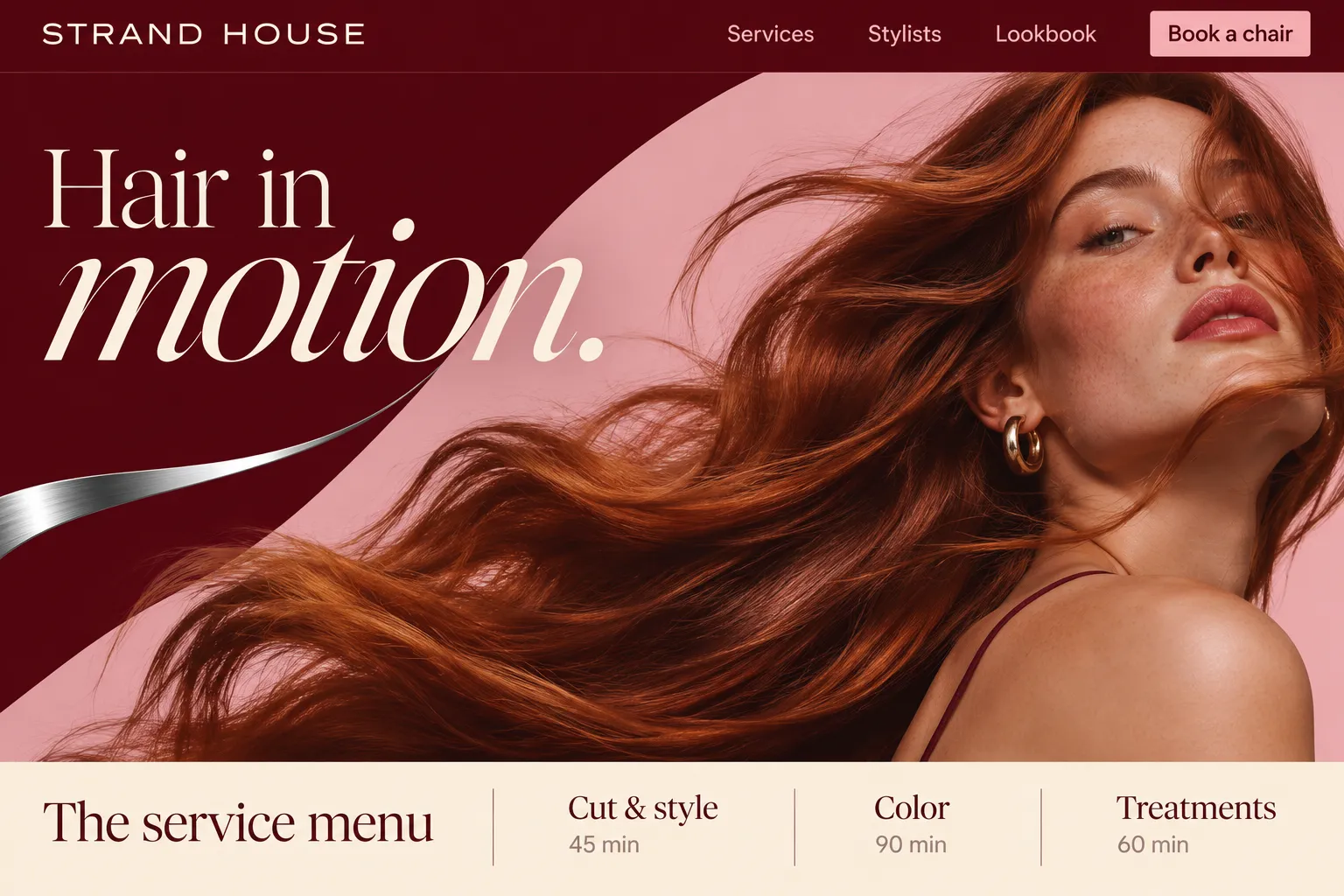
- Cuts, balayage, treatments and occasion styling with descriptions, durations and fixed or starting prices
- Online booking by service and available time
- An appointment calendar by date, time and stylist
- Client records with contact details and appointment history
- A separate consultation form for bridal styling and colour advice
- An about page, social media links and a contact page with the address, phone number, opening hours and directions
- A blog on hair care, maintaining colour and preparing for special occasions
Frequently asked questions
How do I show services whose price depends on hair length?
You give them a starting price instead of a fixed one, and the site shows it as a starting price. The final price is agreed with the client in the salon or at the consultation.
Will a long colour appointment clash with other bookings?
- The service's duration is kept on its own record and the calendar reserves that time, so no second appointment opens with the same stylist at the same time.
Can I talk to a client first before booking bridal styling?
Yes. Requests like this come through a separate consultation form and are reviewed in the panel; the form alone does not hold a time on the calendar, and you book the appointment once you have spoken.
Can I keep a client's colour formula on her record?
A client record holds contact details and previous appointments. If you also want to keep colour or treatment notes, you tell the consultant, and it asks you during setup.