How to build a Pilates and yoga studio website with AI
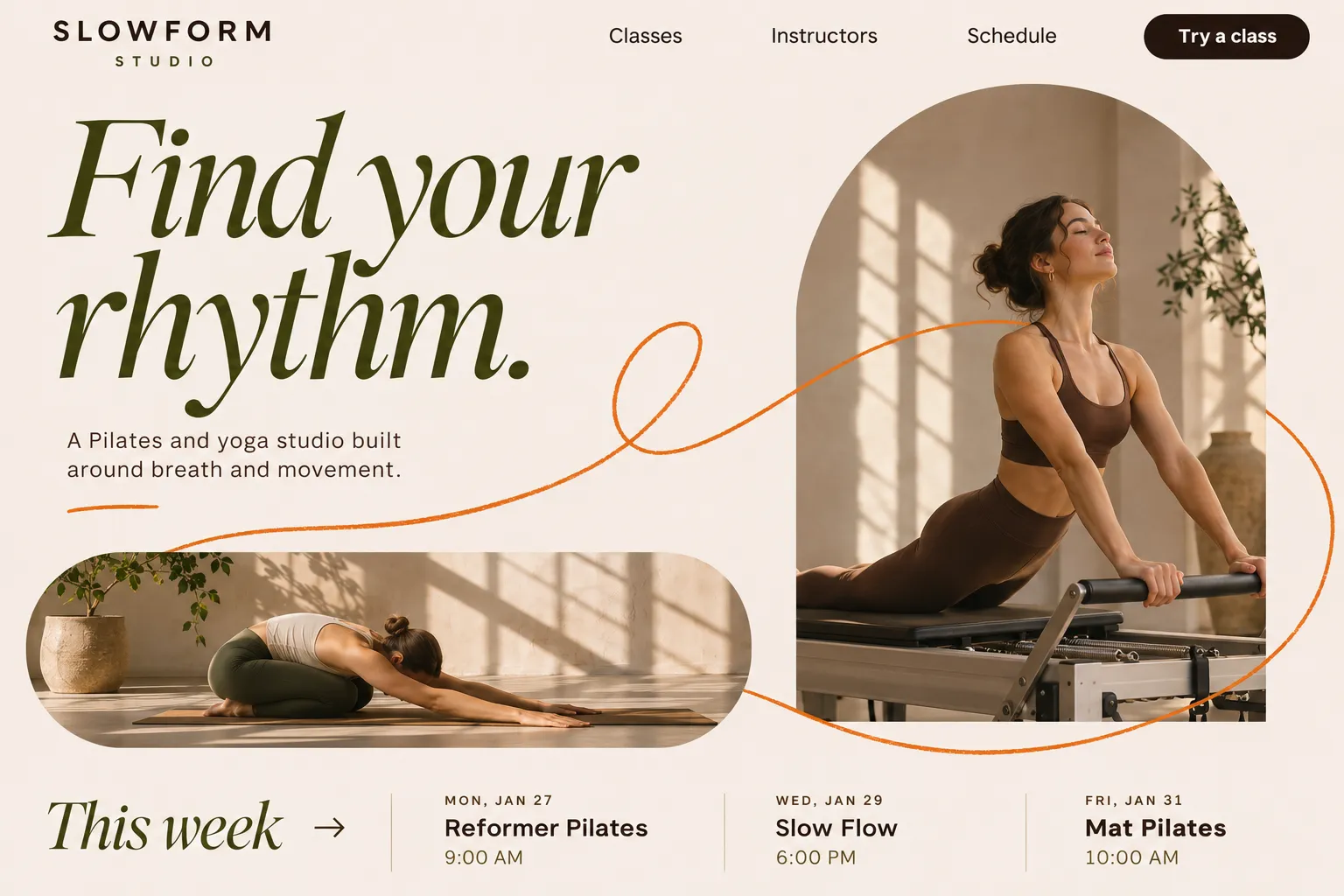
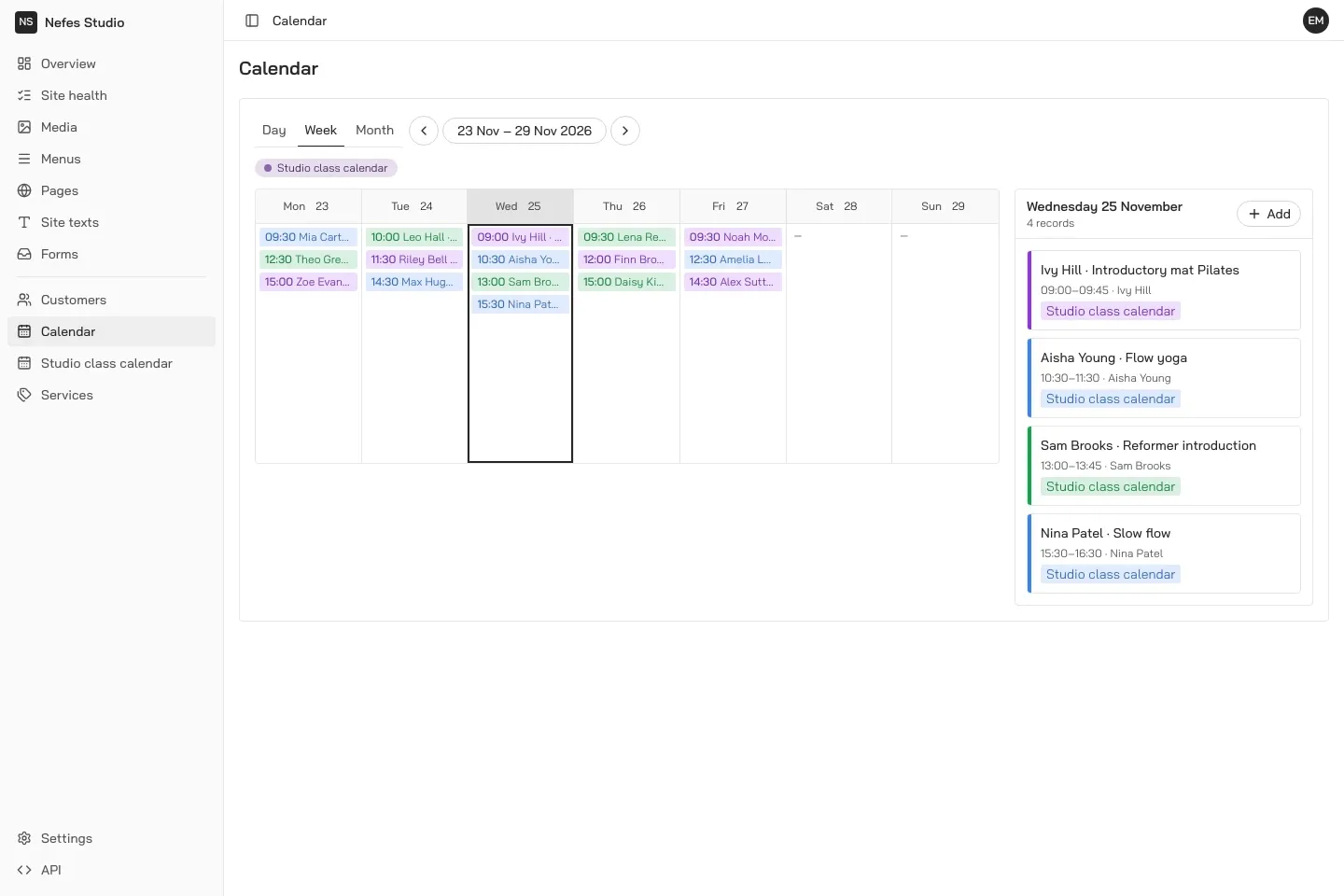
Someone coming for the first time looks for three answers on a studio's website: which class suits me, when is it on, and how do I start? On Workzed you describe your studio in your own words; the AI consultant asks questions, shows the pages it will set up and builds what you approve. Your Pilates and yoga classes go online with their type, length, level and instructor, and the weekly timetable shows each class's day and time. A trial class form collects the class someone is interested in and the times that suit them. In the admin panel, confirmed bookings, each class's capacity and the spaces left sit on one calendar.
A Pilates and yoga studio's day with Workzed
- In the morning, before the first class, you check the calendar: the morning reformer group has two spaces left, and the evening yin yoga class is full.
- Before noon you go through the trial class requests; looking at the class each person chose and the times that suit them, you place them in a class with space and confirm. Requests still waiting for a reply are kept apart in the panel.
- In the afternoon an instructor moves her Thursday evening class to another time; you update the timetable in the panel, the site shows the new time, and the people booked in can be told by SMS, WhatsApp or e-mail.
- In the evening the private sessions booked on the site during the day appear on each instructor's calendar, and tomorrow's group classes and one-to-one sessions are laid out by instructor.
What the site and panel include
- Pilates and yoga classes with type, length, level and instructor
- A weekly class timetable and session changes
- Trial class requests with the preferred class and times
- An attendance calendar with confirmed bookings, class capacity and spaces left
- Instructor profiles and online booking of private sessions by instructor
- The terms and inclusions of group classes, private sessions and trials
- Member and enquiry tracking, a blog and a contact page
Frequently asked questions
What happens when a class is full?
Each class's capacity and confirmed bookings show in the panel, so you can see when it is full and suggest another time for the same kind of class. If you want to keep a waiting list, you tell the consultant, and it asks you during setup.
Can clients book private sessions on the site?
Yes. Private sessions are booked by instructor, within that instructor's working hours, and appear on their calendar alongside the group classes.
Can I track how many classes are left on a package?
Packages and session options show on the site with their terms, and members are kept in the panel. How you count what is left, by number of classes or by time, you tell the consultant, and it asks you during setup.
Can I take payment for a package in advance?
Yes. You can send a card payment link for a package or a private session, and prepare its invoice in the panel.