
How to build an auto repair shop website with AI
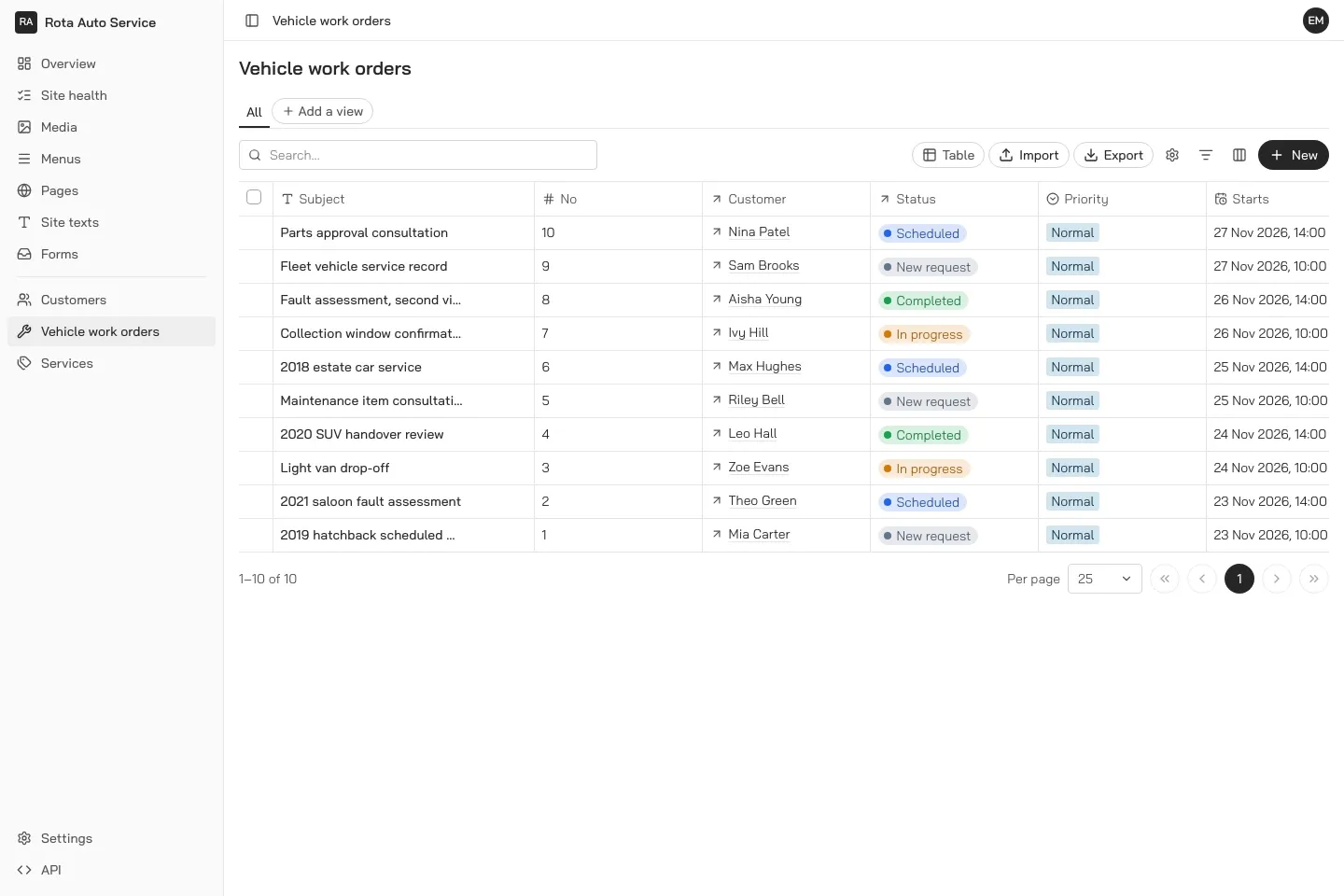
A garage's customers ask two things: when can I bring my car in, and how is the car I left with you getting on? On Workzed you describe your workshop in your own words; the AI consultant asks questions, shows the pages it will set up and builds what you approve. Your servicing, fault diagnosis and repair work go online with what each one covers, and a service booking form collects the vehicle details, the type of work, the preferred date and contact details. In the admin panel every vehicle is linked to its customer, each job moves through its stages from drop-off to collection, and the quote and the customer's approval are kept on the job itself.
An auto repair shop's day with Workzed
- In the morning the cars due at drop-off are already on the calendar with registration, customer and the work requested. When a car arrives, a job is opened and moves to "vehicle received", with the responsible mechanic named.
- Before noon the mechanic finishes the diagnosis; the parts and labour needed go into a quote, which reaches the customer by SMS, WhatsApp or e-mail, and the job moves to the "waiting for approval" column on the board.
- In the afternoon the customer approves; the approval is kept with the quote and the job goes ahead. Another customer rings, and their car's past work and visits are on the vehicle record.
- In the evening finished cars move to "ready for collection" and their owners are told; the invoice and a card payment link are prepared in the panel, and the collection date and the next check-up go on the vehicle record.
What the site and panel include
- Servicing, fault diagnosis and repair work, with what each covers
- Service booking requests with vehicle details, type of work and preferred date
- Vehicle and customer records: each customer's vehicles, past work and visits
- A workshop calendar for drop-off, diagnosis and collection, by responsible team
- Jobs on a board: vehicle received, in diagnosis, waiting for approval, ready for collection
- Quotes, customer approval, invoices and card payment links
- A blog and a contact page with the address, opening and drop-off hours and directions
Frequently asked questions
How do I keep a record of the customer's approval?
The quote's scope and the customer's approval are kept on the job. A job without approval stays at "waiting for approval", and the team can see on the board which cars are waiting.
How does a customer find out their car is ready?
When the job moves to "ready for collection", you can let the customer know by SMS, WhatsApp or e-mail. If they phone, you read the same status in the panel.
Can I remind customers about their next service?
Yes. The check-up the team plans goes on the vehicle record, and as it comes up the customer can be reminded by SMS, WhatsApp or e-mail.
Can I keep track of parts stock as well?
The parts and labour used appear on the quote and the invoice. How you handle parts stock and supplier orders, you tell the consultant, and it asks you during setup.