Blog
Get to know Workzed up close
How to describe your work, where credit goes, how a change reaches your app safely: what you will want to know before you start.


How to build a website with AI: a step-by-step guide for small businesses
A business website built with AI can now go live the same day. Here is what to prepare, what the AI does for you, and how the site goes live.
· 2 min read
How to build an admin panel with AI, without writing code
Customers, bookings, work orders, stock: building the panel you run your business from with AI comes down to answering the right questions. Here is what is needed and how the panel is built.
· 2 min read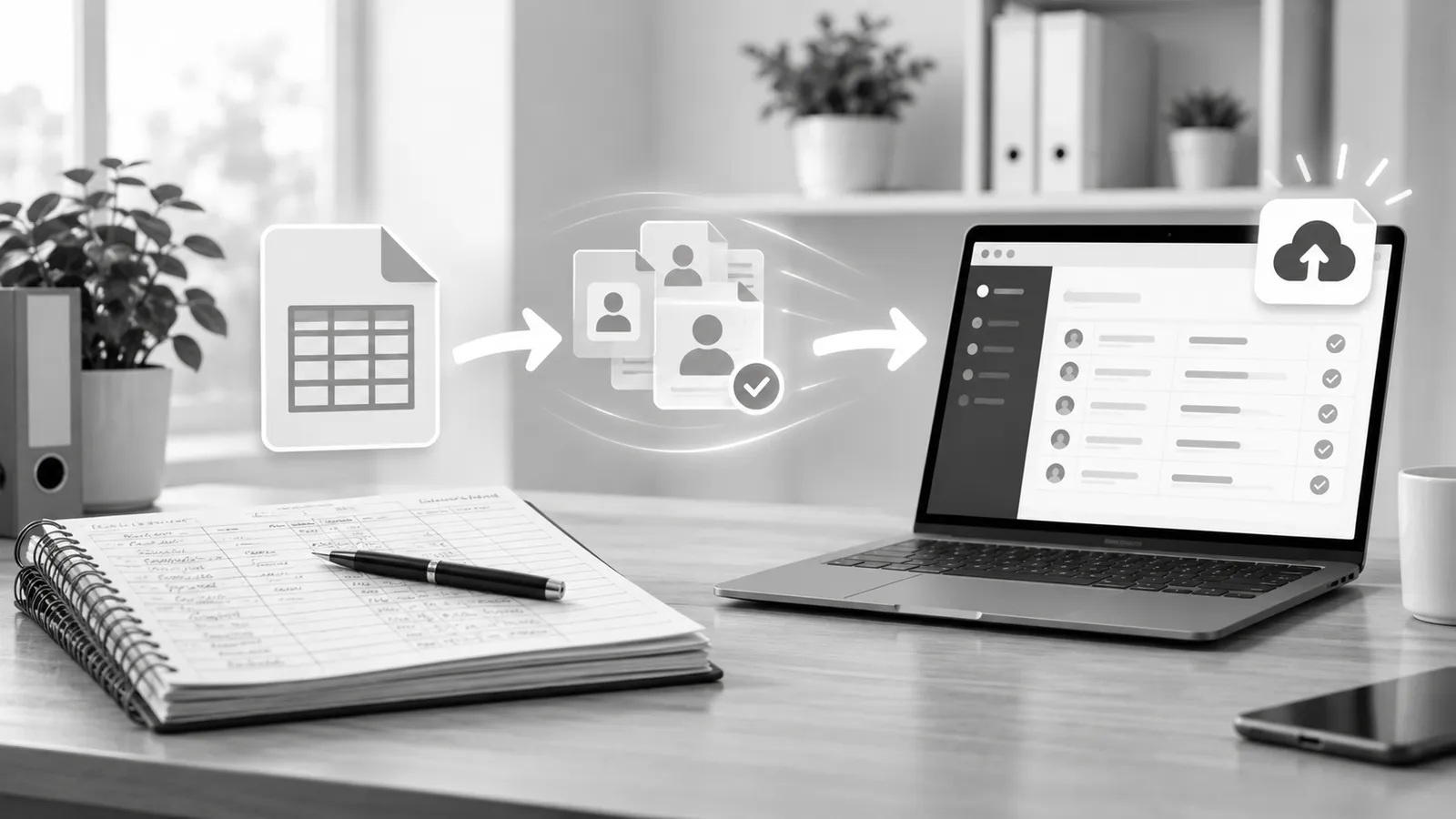
From notebook and spreadsheet to an app: moving the records you have
The customer notebook or spreadsheet you have kept for years is not thrown away. How to bring your records in from a photo or a file, and use the same list in seven views.
· 2 min read
Preview, release, undo: how a change reaches your app safely
A working business's app must not stop because of a change. On Workzed every change is tried in a preview first, watched after release, and can be undone.
· 2 min read
Workzed is free: when would you pay?
On Workzed your project stays live for free and grows with the free credit that arrives every day. You pay only in two cases, both optional: a plan for your own domain, a credit pack for a busy stretch of building. How credit is spent and when it ends.
· 3 min read
How to describe your business: the four parts of a good first message
On Workzed your app starts with your first message. A message that says what is done, by whom and in what order leads to the right setup with fewer questions.
· 3 min readExample setups
How a business is set up on Workzed
One setup from each trade: how the business kept its work before, what it wrote in its first message, which pages were set up and what its day looks like now.
Describe your work. Have your software today.
Free: your website and panel live at yourbusiness.workzed.app. No credit card needed; 100 credits free once you confirm your account.