How to build a photography studio website with AI
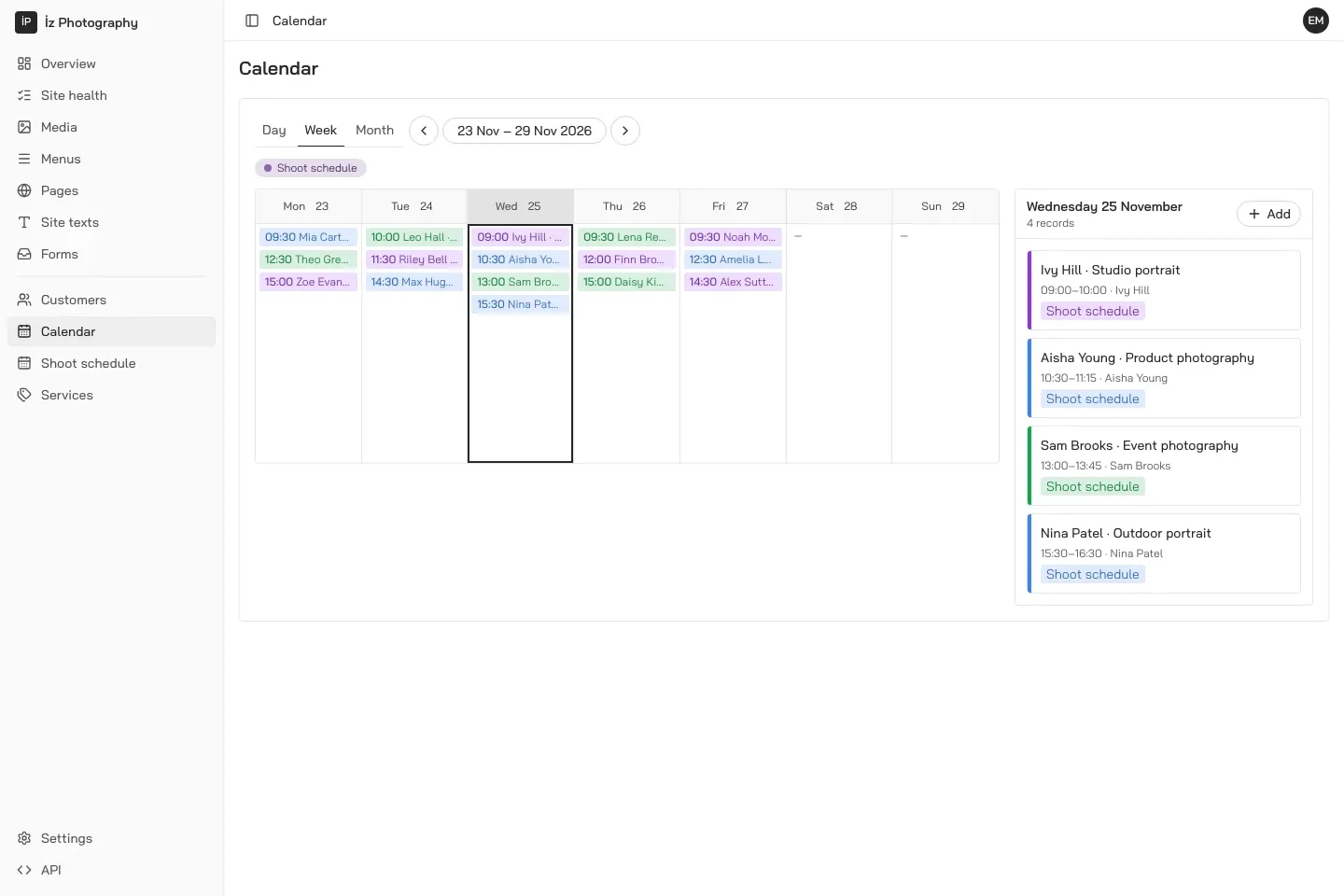
A photographer's website answers two questions: does this work suit me, and which package fits my shoot and how do I ask for it? On Workzed you describe your work in your own words; the AI consultant asks questions, shows the pages it will set up and builds what you approve. Your wedding, family and product work goes online in separate galleries, and your packages are listed with session length, deliverables and price; an enquiry form collects the type of shoot, the date, the location and what the client has in mind. In the admin panel, consultations, shoots and delivery dates sit on one calendar, while quotes and delivery stages are kept on each shoot's own record.
A photography studio's day with Workzed
- In the morning you open the record of the wedding you shot at the weekend and move its delivery stage to selection; the shoot record shows where the couple's photos are.
- Before noon a brand asks for white-background product shots for its catalogue; the date, location and brief are in the form. You prepare a quote and send it, and it shows as pending.
- In the afternoon a couple you met last week accept their wedding quote; you send them a payment link for the deposit by card and add the consultation and wedding dates to the calendar.
- In the evening the calendar shows the week's consultations, shoots and deliveries as separate types, and you add a few favourite frames from a recent family session to the portfolio.
What the site and panel include
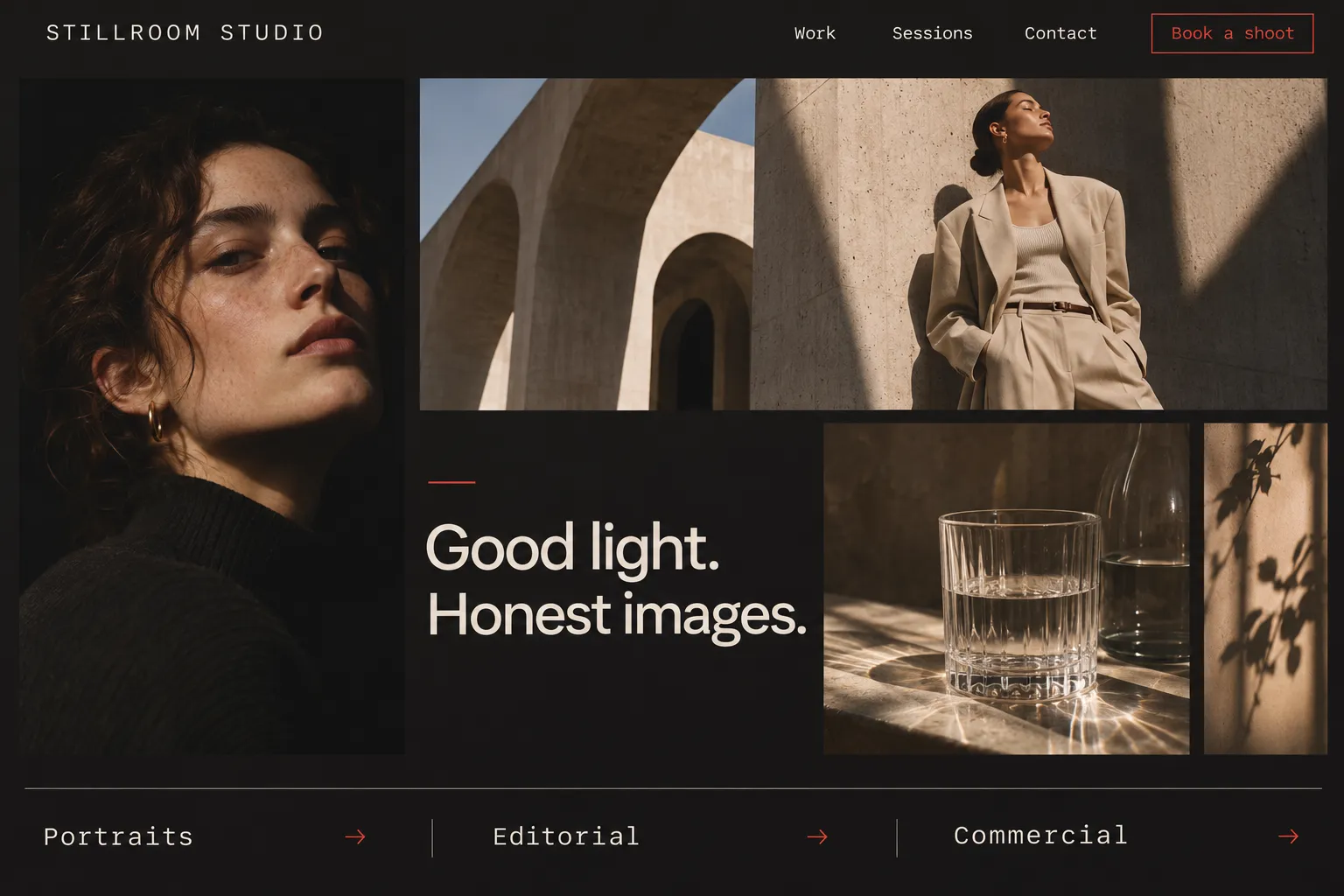
- Portfolio galleries for wedding, family and product work, linked to each service
- Packages with session length, deliverables and price
- Service pages explaining preparation and deliverables for each type of shoot
- An enquiry form asking for the type of shoot, date, location and expectations
- Quotes with pending, accepted or closed status
- A calendar of consultations, shoots and deliveries, with selection, editing and delivery stages
- A blog on choosing locations and preparing for a shoot, and a contact page with the studio, phone and areas you cover
Frequently asked questions
How do I avoid booking two shoots on the same day?
When an enquiry comes in you check that day on the calendar; because shoots, consultations and deliveries share one calendar, you see a clash before you confirm.
Can I take a deposit?
Yes. Once a quote is accepted you can send the client a card payment link, and issue the invoice from the panel.
I shoot both weddings and products. Will they get mixed up on the site?
- Each type of shoot has its own gallery and service page, so a brand sees your product work and a couple sees your wedding stories.
Can I deliver the photos to clients through the site?
You track selection, editing and delivery on the shoot record. You tell the consultant how you hand photos over to clients, and it asks you during setup.