
How to build a boiler and air conditioning service website with AI
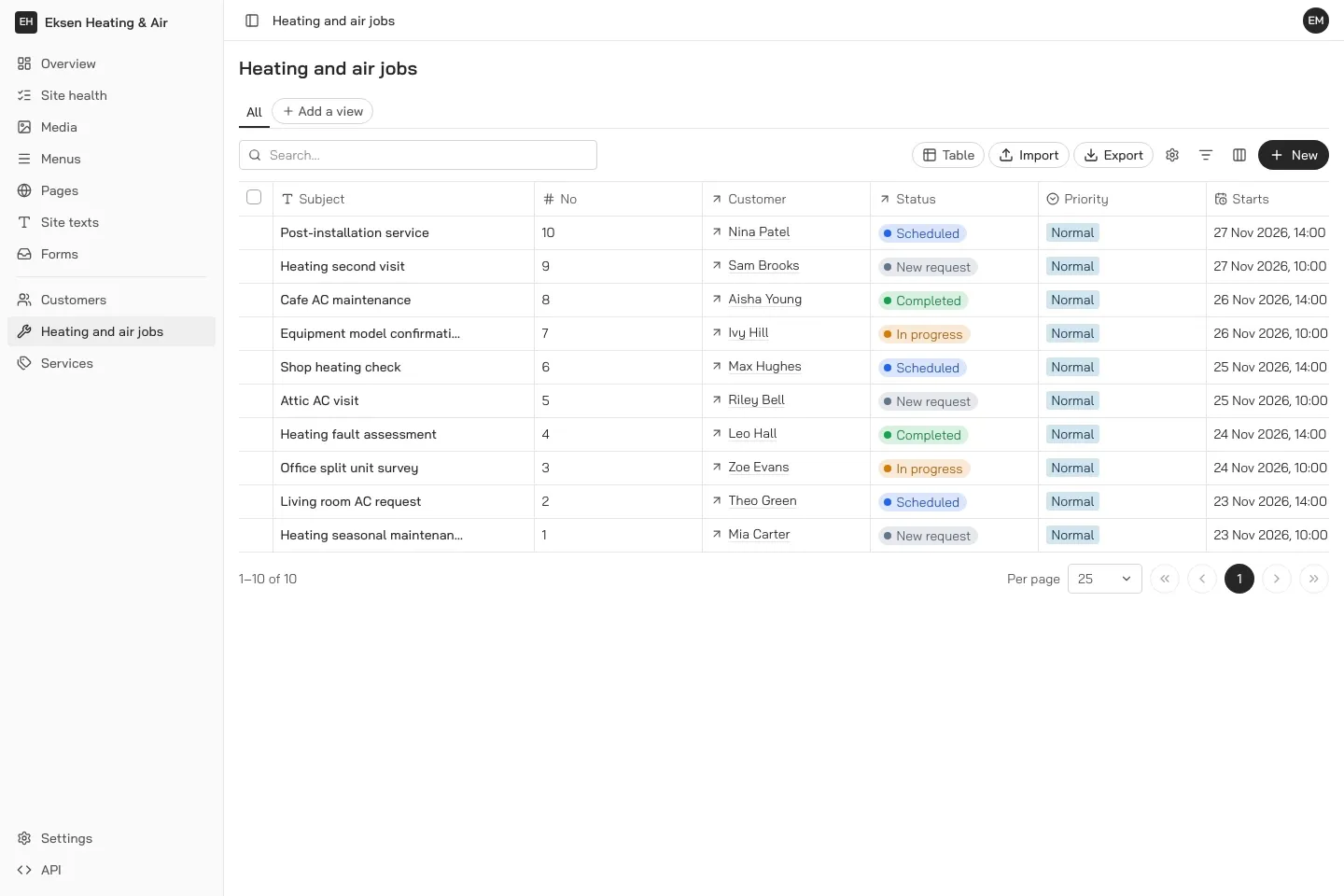
A boiler and air conditioning service's website answers three questions: do you work on my equipment, do you cover my area, and when can you come? On Workzed you describe your work in your own words; the AI consultant asks questions, shows the pages it will set up and builds what you approve. Your services go online by equipment type, job scope and coverage, and an enquiry form collects the equipment type, location and preferred visit window. In the admin panel each unit is kept with its model, serial number and service history, linked to the customer and address; visits sit on the technician calendar and maintenance dates on the equipment record.
A boiler and air conditioning service's day with Workzed
- In the morning you check the technician calendar: the first cold days have brought a wave of boiler faults. Each technician sees the day's jobs on their phone, with address and equipment details.
- Before noon a customer with two air conditioners at one address writes that the living room unit is dripping water. The equipment records show which unit it is, its model and when it was last serviced, and you assign the visit to the technician working that area.
- In the afternoon the technician closes the job and records the work done and the part replaced on the equipment record from site. The invoice is issued from the panel and the customer gets a card payment link.
- In the evening you look at the list of units whose maintenance date is coming up. Those customers get an annual service reminder by SMS, WhatsApp or e-mail, and the bookings that follow go on the calendar.
What the site and panel include
- Boiler and air conditioning services by equipment type, job scope and coverage
- A service enquiry form: equipment type, location and preferred visit window
- Equipment records: model, serial number and past service jobs, linked to the customer and location
- A technician calendar by team, time and area, with a map view
- Scheduled, in-progress and closed service jobs
- A periodic maintenance schedule kept with the equipment record, with service reminders
- Service areas, a blog and a contact page with the service phone, hours and enquiry channels
Frequently asked questions
Can customers be reminded when a service is due?
Yes. The maintenance date is kept on the equipment record, and as it approaches the customer gets a reminder by SMS, WhatsApp or e-mail. When it goes out is set during setup.
How do I keep up in the busy season?
Because the form asks for the preferred visit window from the start, you can spread the jobs across the calendar by area and technician. A blog post about servicing before the season also nudges customers to book early.
Can I keep warranty work separate?
You tell the consultant how you handle warranty jobs, who approves them and what should be kept apart, and it asks you during setup.
Can I import my existing customer and equipment list?
Yes. You upload your Excel list or a photo of a notebook page, and customers and equipment are imported.