How do you build a restaurant website with AI?
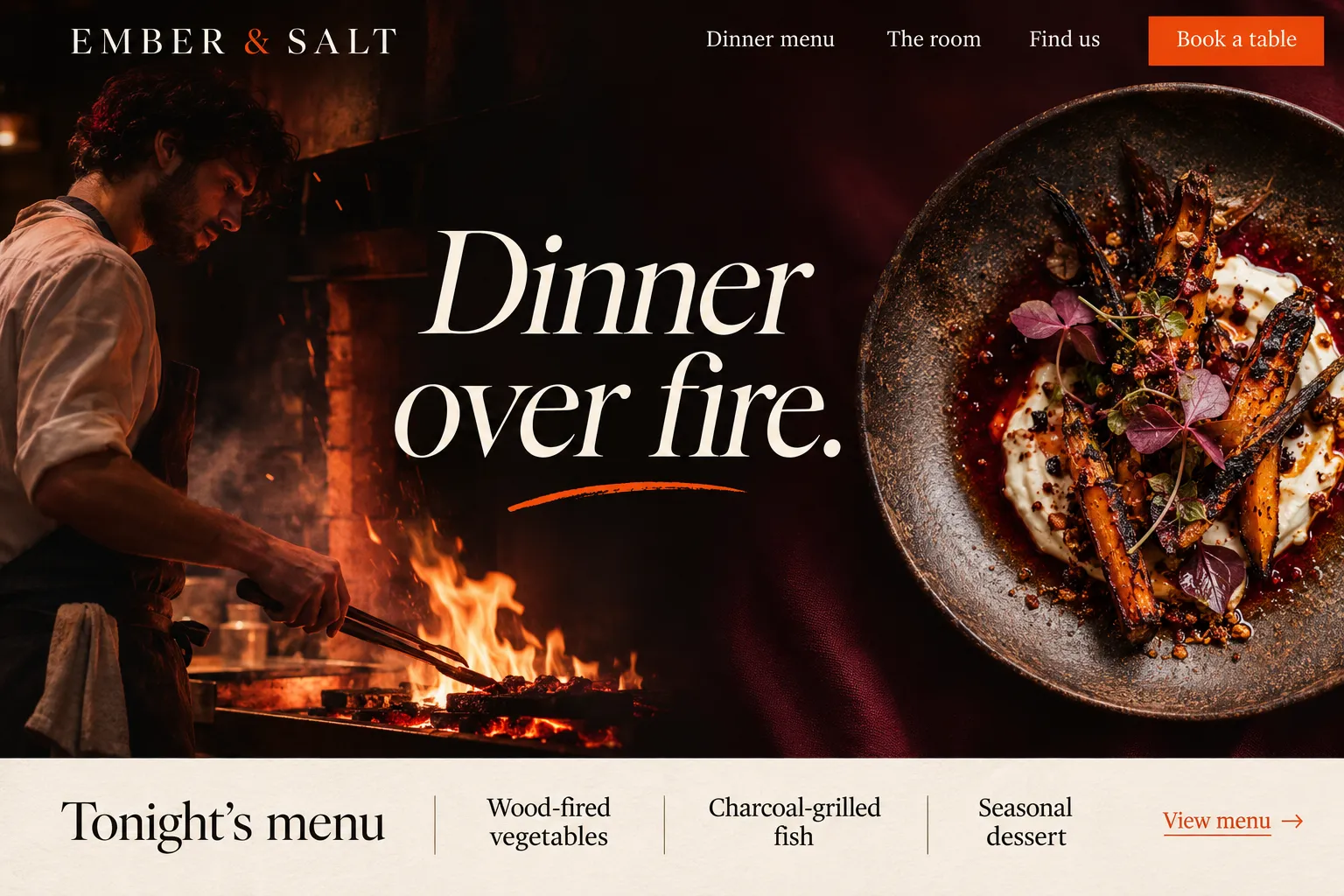
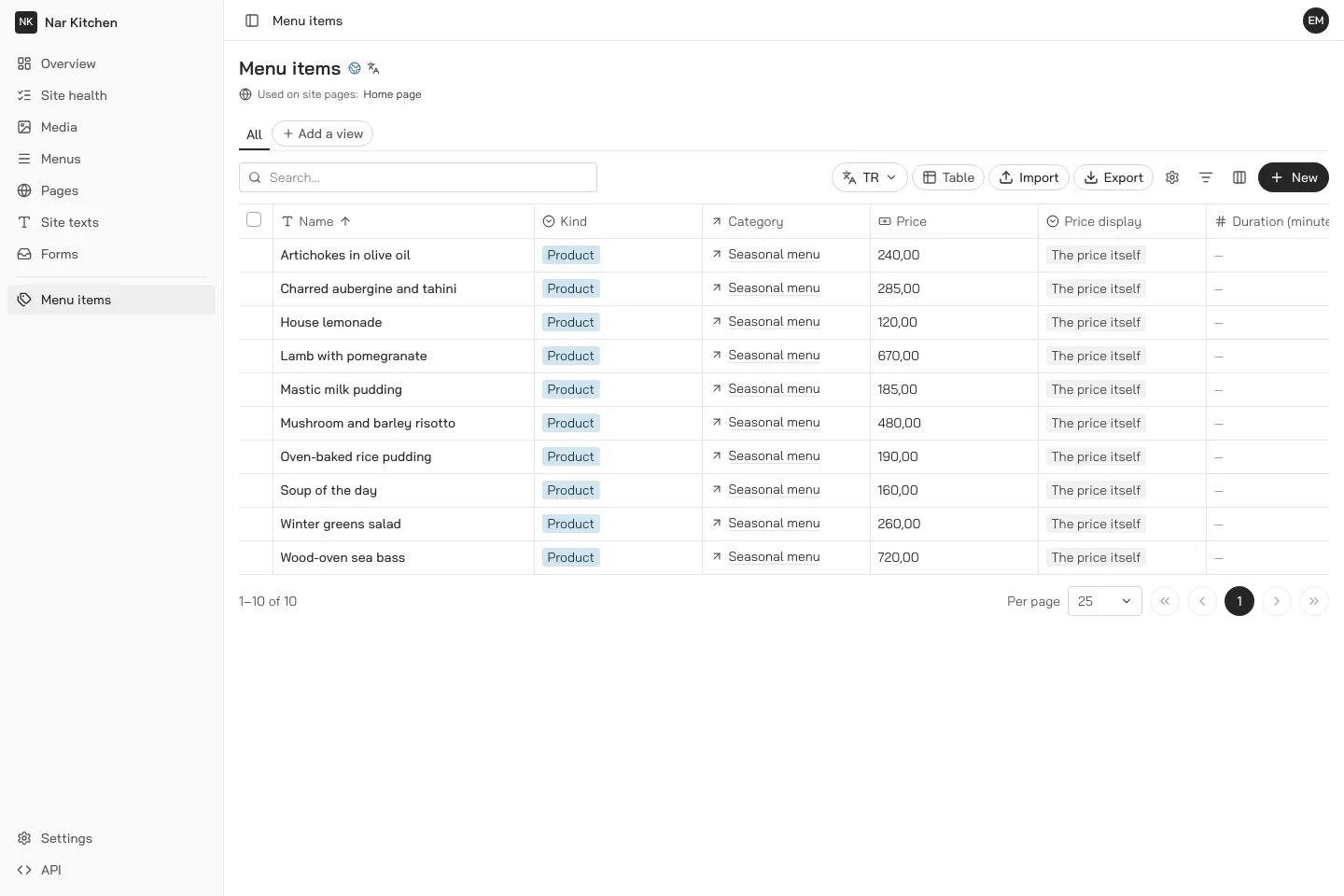
A restaurant's website answers three questions for a guest: what is on the menu, can I get a table tonight, and can I bring a large group? On Workzed you describe your work in your own words; the AI consultant asks questions, shows the pages it will set up and builds what you approve. Your menu goes online by category with prices and portions, and a booking form collects the date, time and party size. In the admin panel those requests sit on a calendar by service day, and bookings the team has confirmed are kept apart from those still waiting.
A restaurant's day with Workzed
- In the morning you post the day's dishes once the kitchen has settled them; yesterday's specials board comes off the site, and a dish that will not be served today shows that way on the menu too.
- Before noon you go through this evening's booking requests and confirm each with its date, time and party size in view. A booking taken over the phone goes into the panel as well and sits in the same list as those from the site.
- In the afternoon a company asks about a year-end dinner; group and private event requests are kept on their own records with the date and number of guests, someone on the team takes it on and sends the quote from there.
- Before evening service the reservation calendar shows tonight's tables, group tables and cancellations on one screen, and front of house checks the same view in the panel on their phones.
What the site and panel include
- A menu organised by category with prices, portions and today's availability
- A table booking form with date, time, party size and confirmation status
- A reservation calendar with evening services, group tables and cancellations
- Requests for celebrations, company dinners and private events
- Daily dishes and seasonal menu notices
- A gallery of the dining room, terrace and dishes, and a blog about menus and suppliers
- A contact page with the address, phone, service hours and directions
Frequently asked questions
Is a booking confirmed automatically from the site?
- The form arrives as a request, and once your team confirms it, it shows with its own status. You can also have the confirmation sent to the guest by SMS, WhatsApp or e-mail.
How do I take a dish off the menu when it runs out?
You mark it as unavailable on the dish's record, and the site shows it that way. Price and portion changes are made in the same place.
Can the menu show in another language for visitors?
Yes. The site can be published in several languages, and the menu, service hours and booking form appear in the language the guest picks.
Can I take takeaway or online orders?
This setup covers the menu, bookings and group requests. If you also want takeaway orders, you tell the consultant how you handle them, and it asks you during setup.