How to build a tailor shop website with AI
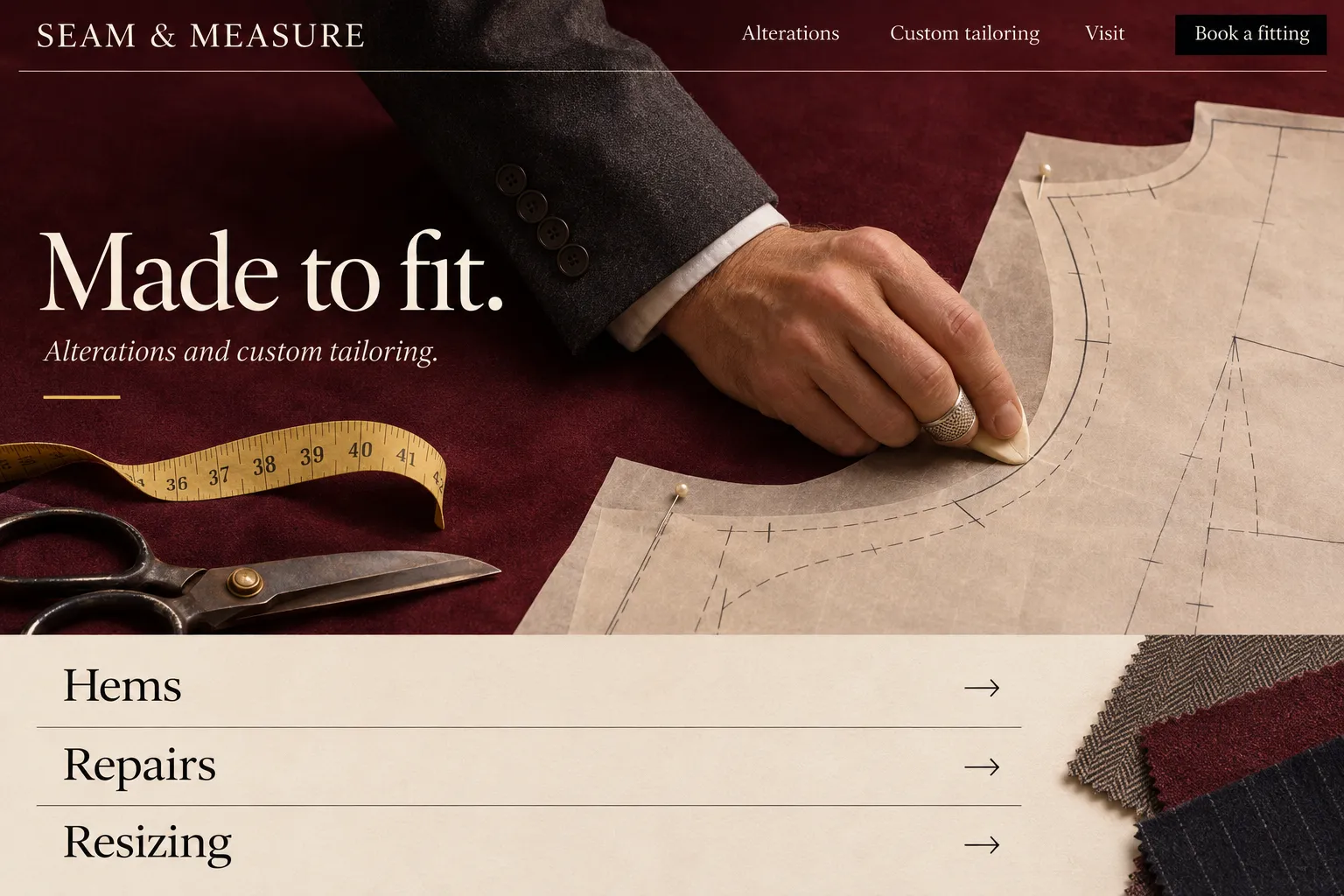
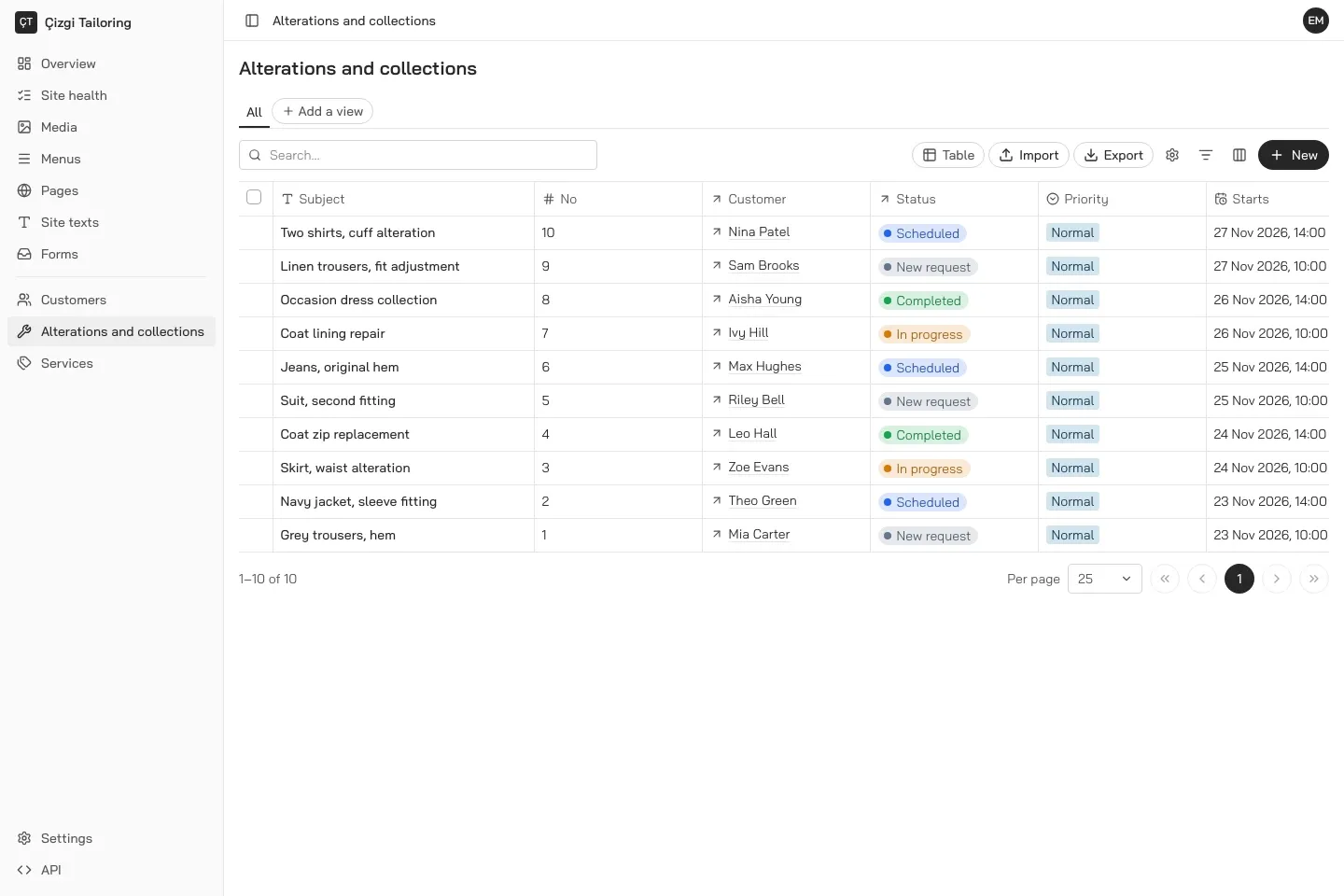
A tailor's website answers two kinds of customer: when can I bring in trousers for a hem or a coat for a new zip, and how do I arrange a fitting for something made to measure? On Workzed you describe your work in your own words; the AI consultant asks questions, shows the pages it will set up and builds what you approve. Your alterations and custom tailoring go online with their scope and prices, alongside galleries that show your workmanship, and fitting requests come in through a form. In the admin panel every garment is a job: the customer, the requested change, the fitting and the collection date are kept together.
A tailor's day with Workzed
- In the morning the board shows what came in yesterday: two pairs of trousers to hem and a coat zip in the "received" column, and a dress being fitted in "fitting". As each job moves on, you move its card to the next stage.
- Before noon a fitting request comes in from the site for a dress to wear at an engagement party. When you confirm the time, the fitting is linked to both the customer and the job.
- In the afternoon you prepare a quote for a made-to-measure jacket: the fabric, the scope of work and the target collection date are on the quote, which is tracked against the customer's record.
- In the evening customers whose jobs are "ready for collection" get a message by SMS, WhatsApp or e-mail, and the pickup calendar shows tomorrow's fittings and collections.
What the site and panel include
- Hems, zip replacements, alterations and custom tailoring, with scope and prices
- Requests for fittings and measuring appointments
- A calendar of fitting and collection dates by type of work and priority
- Job records that keep the garment, the requested change and the customer's contact details together
- A board with received, fitting, in alteration and ready for collection stages
- Quotes for custom work with fabric, scope and collection date
- A work gallery by service, a blog on fabrics and garment care, and a contact page with the address and hours
Frequently asked questions
How does a customer know their garment is ready?
When you mark the job "ready for collection", the customer can be notified by SMS, WhatsApp or e-mail. You choose which channels to use.
Where do I keep customers' measurements?
The job record holds the garment, the requested change and the customer's contact details. You tell the consultant which measurements you take and how you keep them, and it asks you during setup.
Can I bring over the jobs I keep in a notebook?
Yes. You can import them from a photo of the notebook page or from an Excel file, and the imported jobs sit alongside the rest.
Should I show alteration prices on the site?
You can publish everyday jobs such as hems and zips with their scope and price. For work that varies, such as made-to-measure pieces, visitors send a request and you reply with a quote.