How to build a moving company website with AI
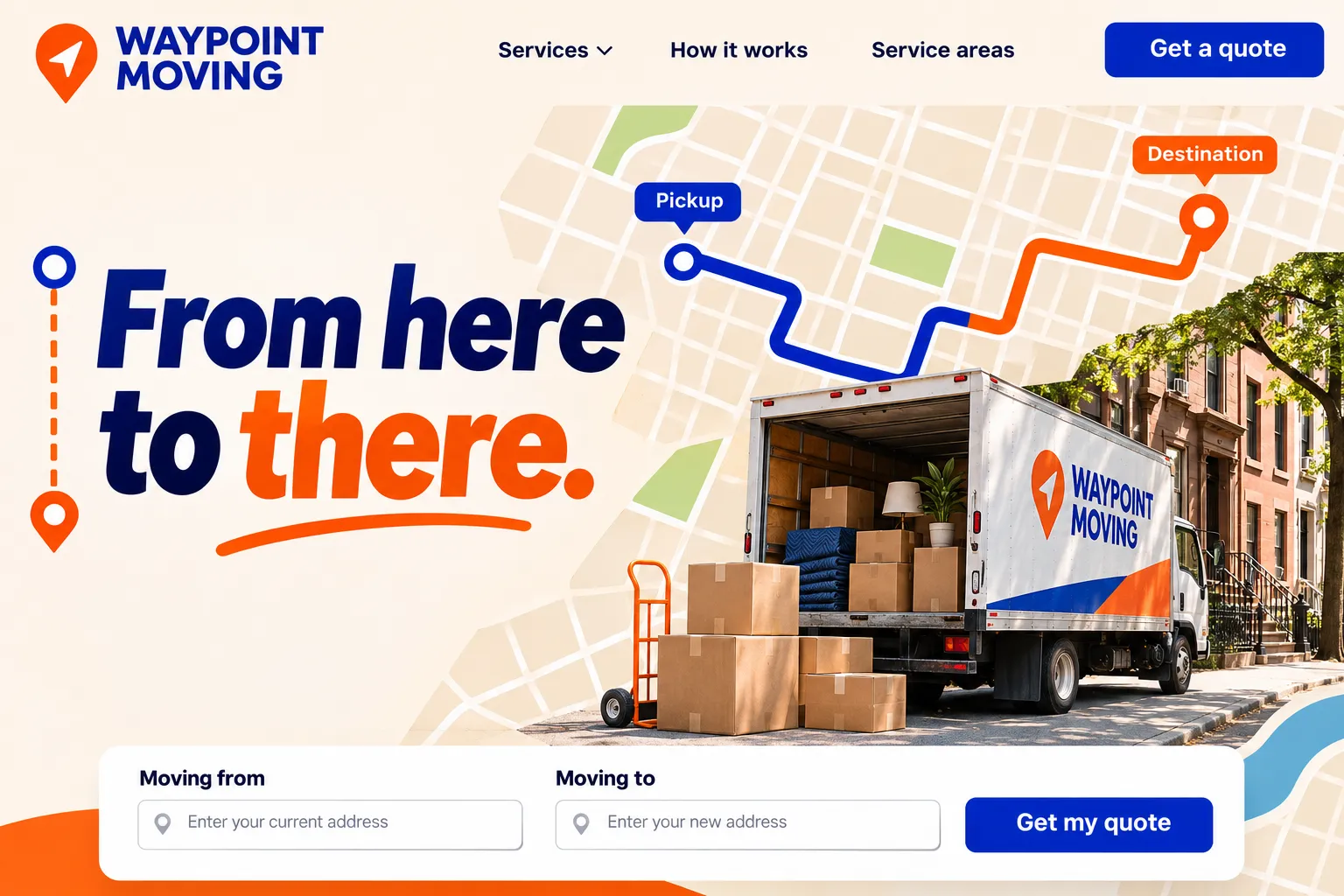
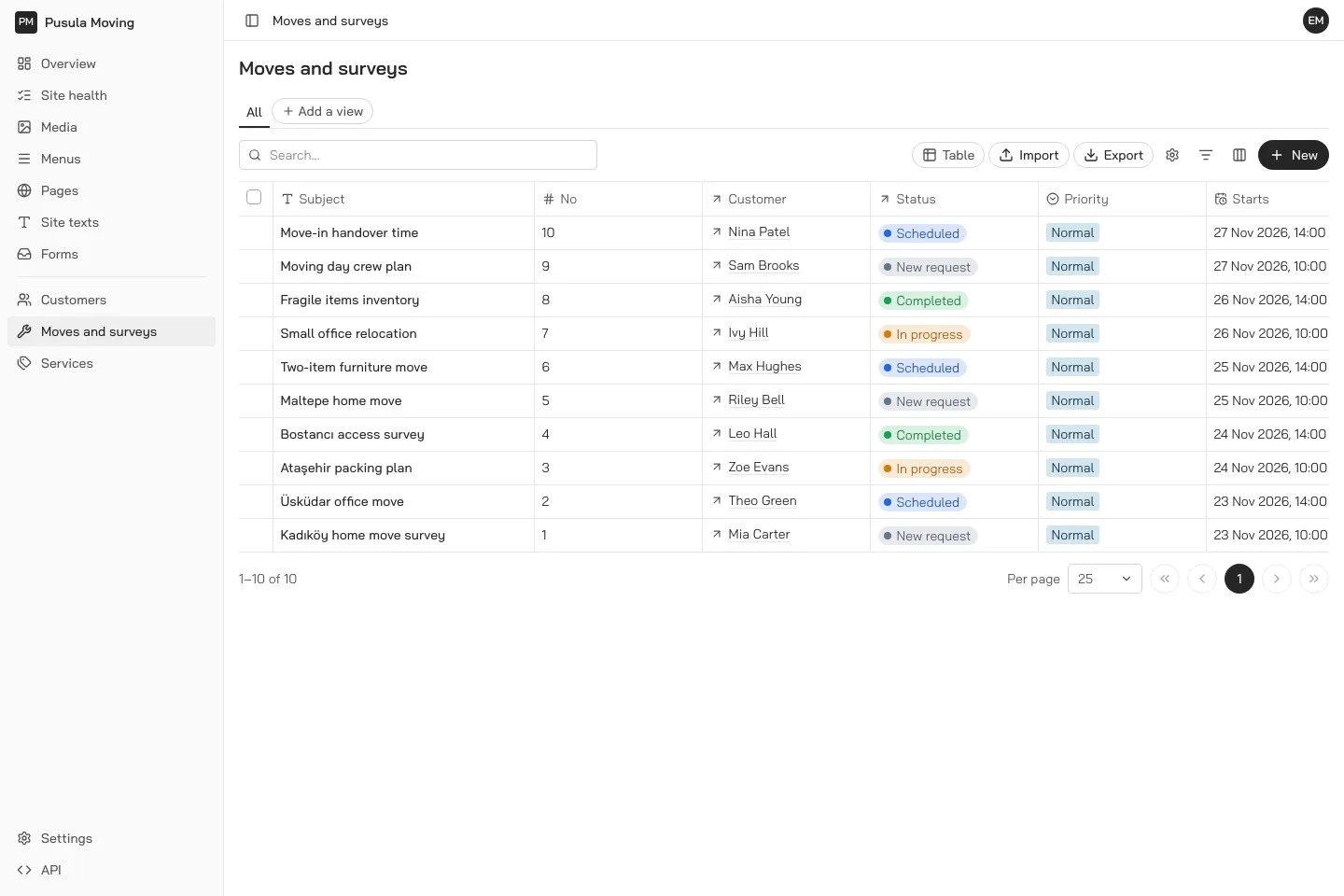
A moving company's website answers three questions: what do you move, is my date free, and how do I get a quote? On Workzed you describe your work in your own words; the AI consultant asks questions, shows the pages it will set up and builds what you approve. Home, office and small-load moves each get their own page, and your local and intercity coverage is published with how to request a move. A quote form collects the origin, destination, date and inventory scope. In the admin panel assessment appointments, quotes, vehicle and crew plans and each move's planning, loading, transport and delivery stages sit together.
A moving company's day with Workzed
- In the morning the crew sees the day's move on their phones: both addresses, the vehicle, the crew and building access notes are on one record. When loading is done the status moves to transport, and to delivered once everything is in the new home.
- Before noon a quote request comes in from the site: a three-bedroom flat, a fourth floor with no lift at the new address, the last week of the month. You link it to the customer record and put the home assessment on the calendar of whoever covers that area.
- In the afternoon you prepare a quote in the panel for an office move assessed yesterday and send it. Prepared, pending and accepted quotes are listed apart; an accepted one goes on the moving date.
- In the evening you look at the vehicle and crew plan for the coming days: when two moves share a day, the calendar shows which vehicle and crew are where. Customers whose moving day is near get a reminder by SMS, WhatsApp or e-mail.
What the site and panel include
- Separate service pages for home, office and small-load moves
- A moving quote form: origin, destination, date and inventory scope
- An assessment calendar for home and office visits by area and owner
- Prepared, pending and accepted quotes tracked on the customer record
- Vehicle and crew planning against each scheduled move
- A moving workflow with planning, loading, transport and delivery stages
- Coverage, a blog and a contact page with the phone, office address, opening hours and the quote form
Frequently asked questions
Can I quote without an assessment visit?
Yes. You can quote straight from the inventory scope on the form, or book an assessment first. You tell the consultant which kinds of move always need a visit.
Will vehicles get double-booked when two moves fall on one day?
- Each move has its vehicle and crew assigned on its own record, and the calendar shows who is where on that day.
Can I take a deposit once a quote is accepted?
You can send the customer a card payment link. You tell the consultant how the deposit is worked out and your cancellation terms; it asks you during setup.
How do drivers and porters use the panel?
The admin panel installs on a phone from the browser, like an app. Each team member gets a role and permissions; the crew sees their own moves and updates each stage on the day.