How to build a gym website with AI
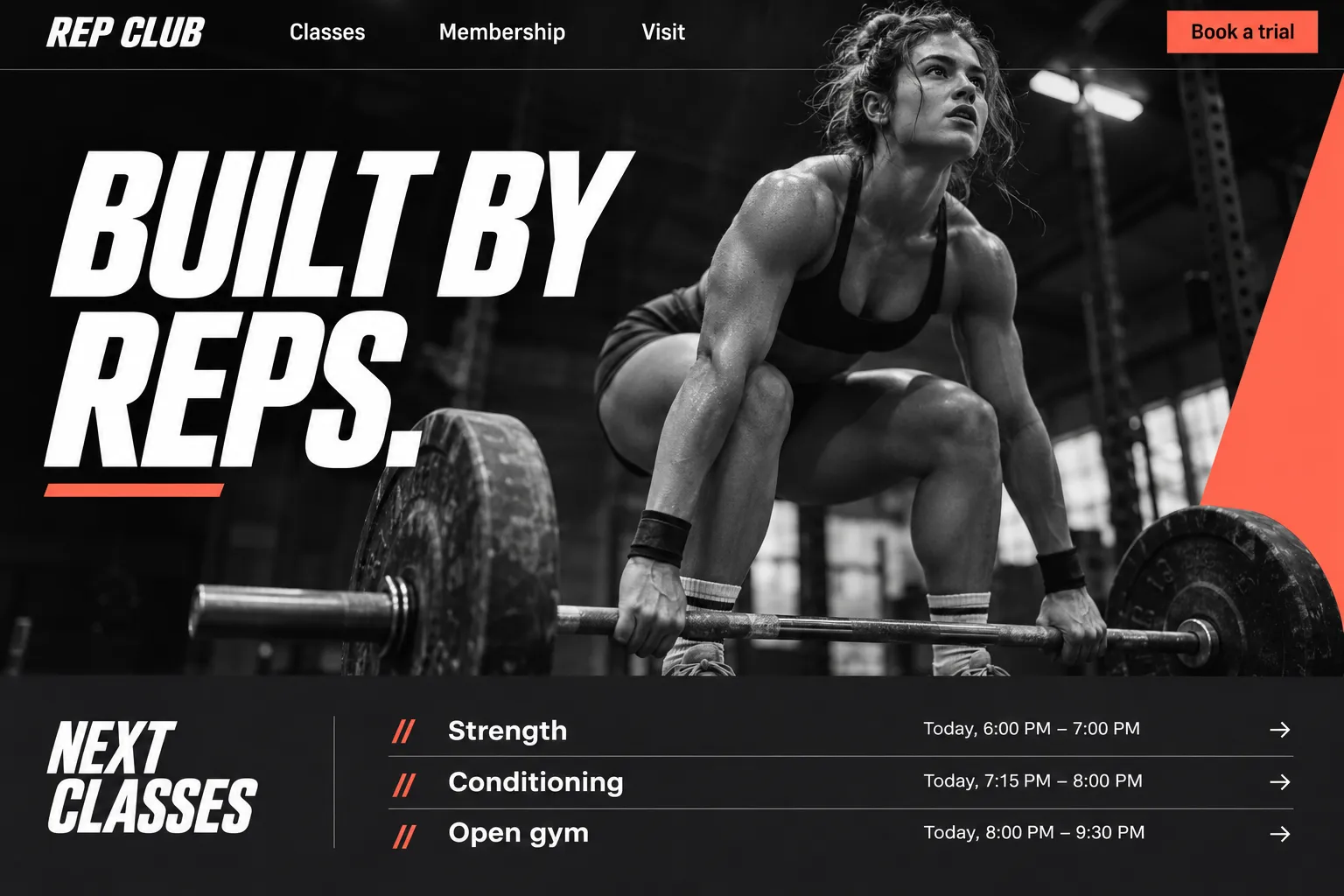
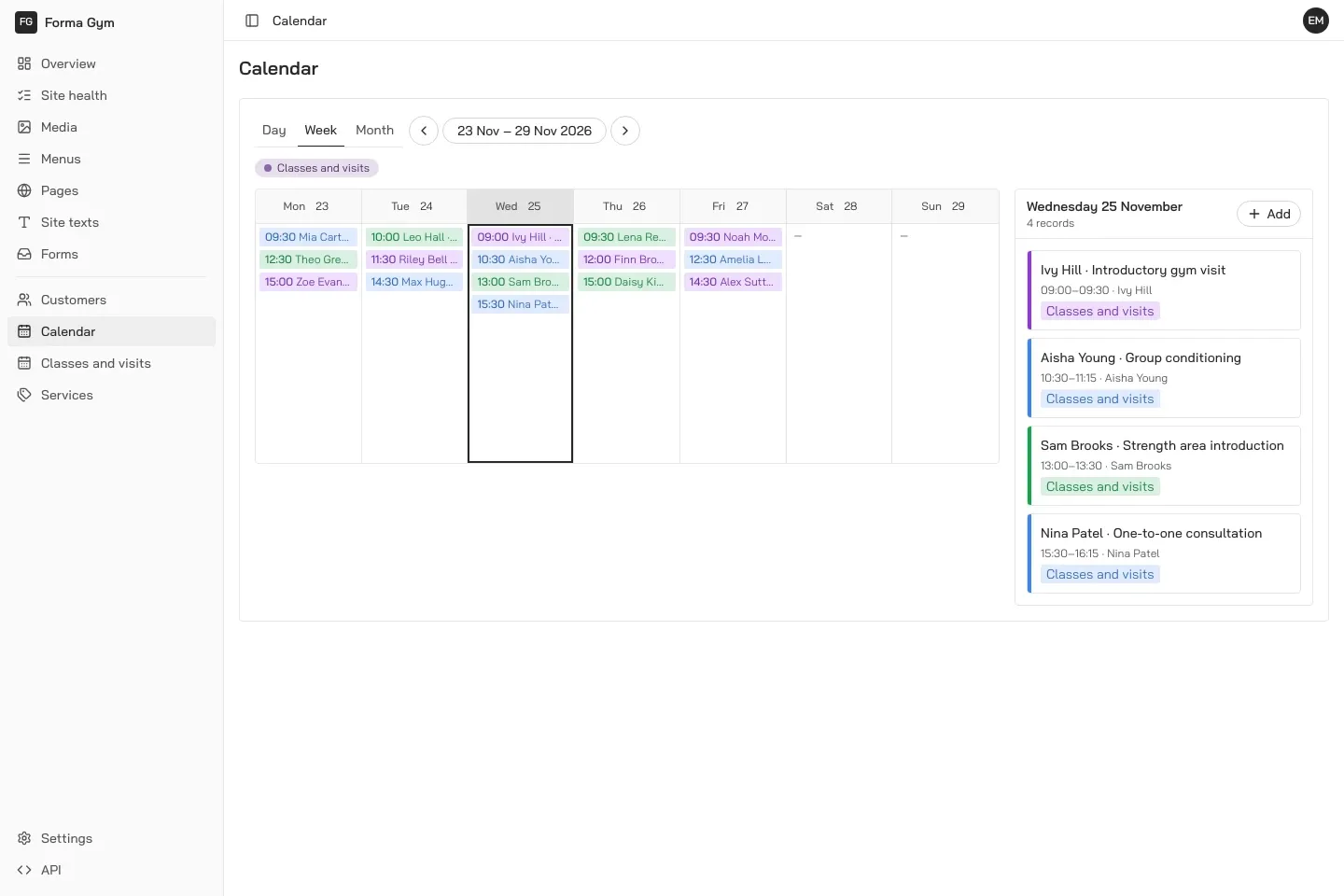
Someone choosing a gym looks for three answers first: when are you open, which membership suits me, and can I come and see the place? On Workzed you describe your gym in your own words; the AI consultant asks questions, shows the pages it will set up and builds what you approve. Your membership types go online with their length, price and facility access, alongside your training areas and changing rooms, and your group classes with their day, time, length and instructor. A trial visit form collects the preferred time, the reason for visiting and contact details. In the admin panel, members sit with their membership status and attendance, and one-to-one and group sessions sit on a calendar by trainer and time.
A gym's day with Workzed
- In the morning, at opening, the front desk checks the panel on a phone: last night's trial visit requests are waiting as new, each with its reason, such as getting back into training after a long break or wanting a personal trainer.
- Before noon the team calls them back and puts the tours on the calendar; scheduled tours and callbacks still due show in one list.
- In the afternoon a trainer can't make it in, and the evening spin class moves to another instructor; you update the timetable in the panel, and the site shows the change.
- In the evening, at the busiest hour, a new member is signed up: contact details, membership type and length go on the member record. Tomorrow's personal training sessions are already on each trainer's calendar.
What the site and panel include
- Membership options with type, length, price and facility access
- Pages for the training areas, equipment and changing rooms, with a photo gallery
- A group class timetable with day, time, length and instructor
- A trial visit form and enquiry follow-up
- Member records with contact details, membership status and attendance
- A trainer and session calendar, with online booking of personal training by trainer
- A blog and a contact page with the address, opening hours, phone and directions
Frequently asked questions
Can I bring in my existing member list?
Yes. You upload your Excel sheet or a photo of your notebook; the members come into the panel as records, and you check them and fill in anything missing.
How do I see whose membership is about to end?
Membership status and length are on each member record, so you filter the member list by them. A reminder can also go to the member by SMS, WhatsApp or e-mail; you decide with the consultant during setup when it is sent.
Can members book personal training on the site?
Yes. The member picks a trainer and takes a free slot within that trainer's working hours; the session shows on the trainer's calendar.
Can I take membership fees online?
You can send a member a card payment link. How you handle monthly payments or renewals, you tell the consultant, and it asks you during setup.