How to build a dry cleaning business website with AI
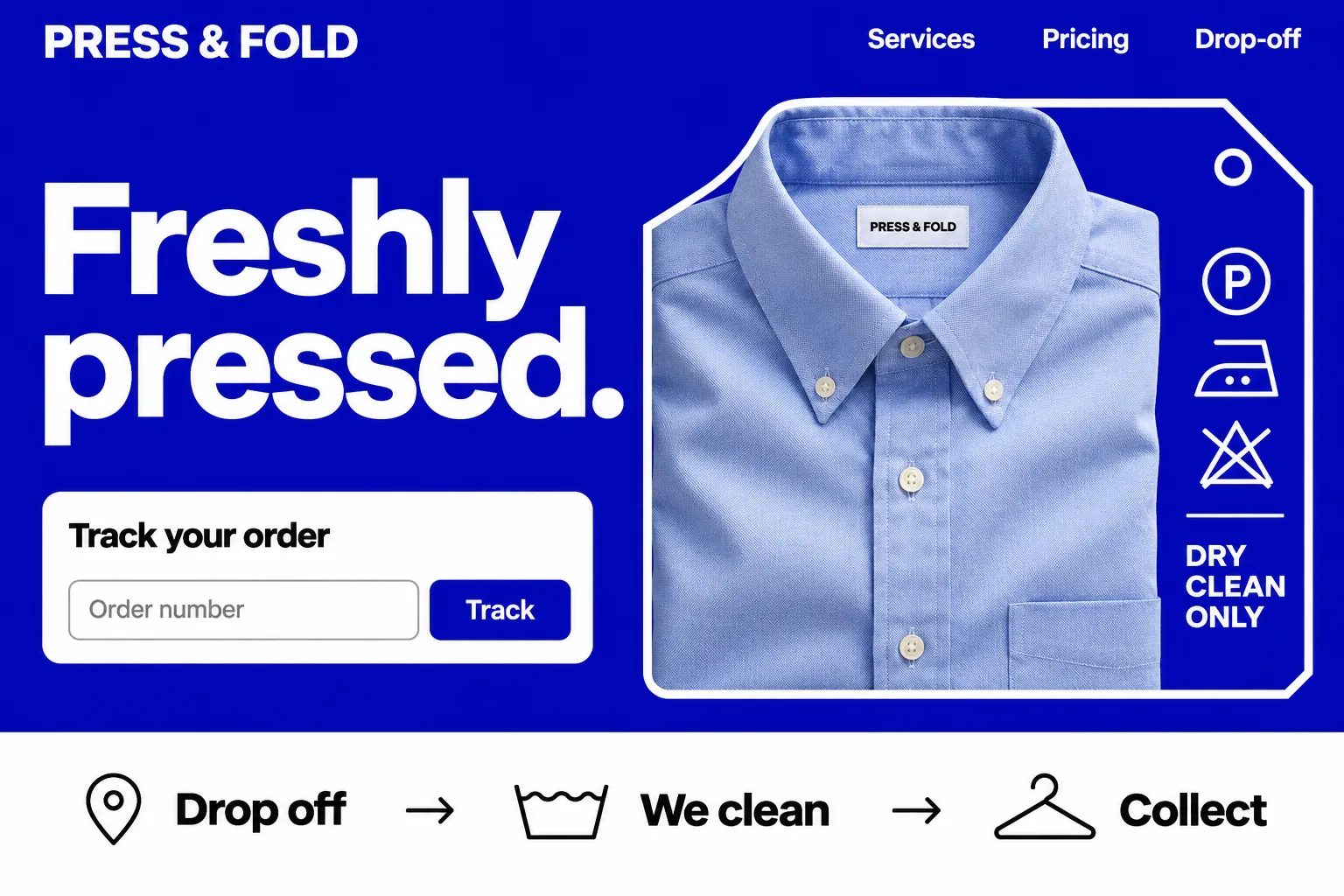
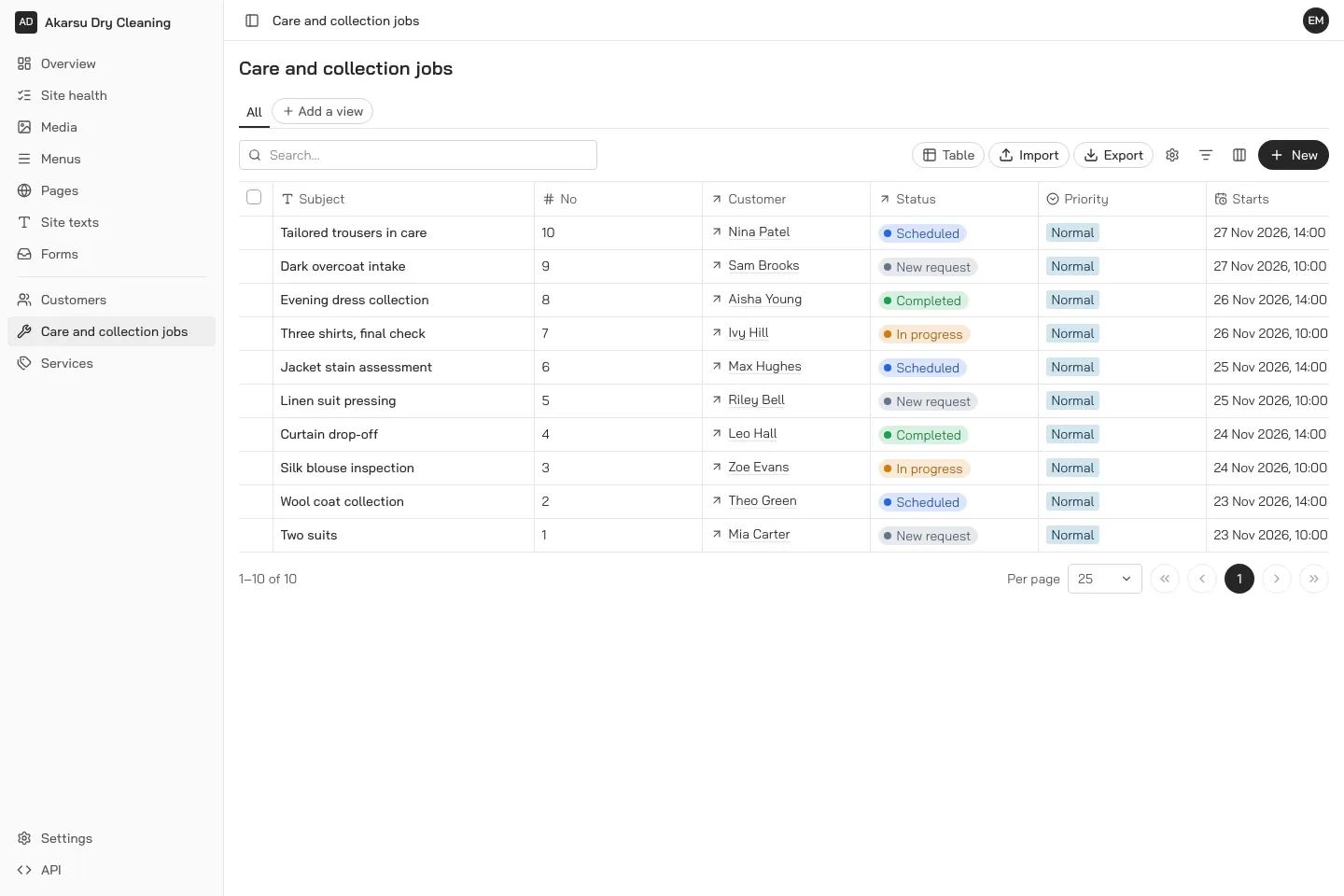
A dry cleaner's website answers three questions: do you clean this item, what will it cost, and when can I collect it? On Workzed you describe your work in your own words; the AI consultant asks questions, shows the pages it will set up and builds what you approve. Your dry cleaning, pressing and special-item services go online with categories, prices and estimated timing, and a courier form collects the address, area and a convenient time window. In the admin panel every ticket is recorded with the customer, garment count and service, and each order moves through received, in service, ready for review and collected.
A dry cleaner's day with Workzed
- In the morning customers drop off suits, shirts and coats on their way to work, and you open an intake record for each: customer, garment count, service and intake date sit on one record.
- Before noon you go through courier requests from the site. With the address, area and time window on each one, the map view shows which pickups are close together, so the driver collects them in one round.
- In the afternoon someone asks about a silk wedding dress and a large duvet. Specialist fabric and bulky item enquiries reach the team as a review record before anything is accepted; you look at the item, then accept it or send the price as a quote.
- In the evening you mark the orders that have passed their final check, and customers hear by SMS, WhatsApp or e-mail. The pickup and delivery calendar shows which orders go out by courier tomorrow and which will be collected from the shop.
What the site and panel include
- Dry cleaning, pressing and special-item services with categories, prices and estimated timing
- Garment intake records: customer, garment count, service and intake date
- Order statuses: received, in service, ready for review, collected
- A courier request form and a pickup and delivery calendar by date, status and collection method
- Customer history: past orders, collection methods and contact details
- A review record for specialist fabrics and bulky items before you confirm the service
- A blog and a contact page with the branch address, collection hours, phone and service areas
Frequently asked questions
Can customers be told when their order is ready?
Yes. When an order is ready, the customer is notified by SMS, WhatsApp or e-mail. You tell the consultant which channel to use during setup.
How do I find an order when the customer has lost their slip?
You search the panel by the customer's name or phone number. The customer record shows their open orders, garment counts and earlier orders together.
I don't want a fixed price for items like wedding dresses. What can I do?
You can list those items on the site as priced after inspection. The enquiry arrives as a review record, and once you have seen the item you send the price as a quote.
Can I bring over the customers I keep in a notebook?
Yes. You upload your Excel list or a photo of the notebook page and the customers are imported into the panel.