How do you build a dietitian website with AI?
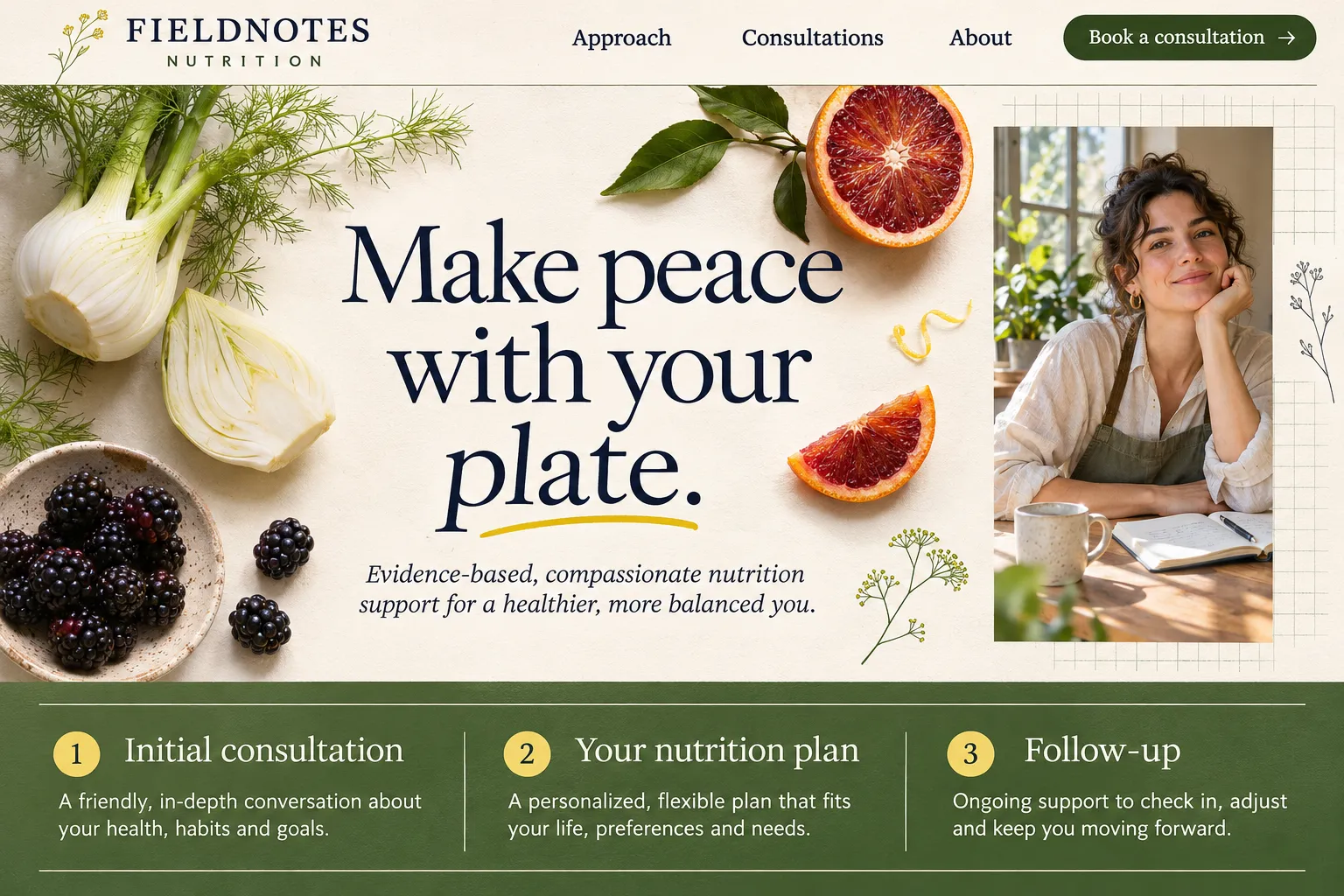
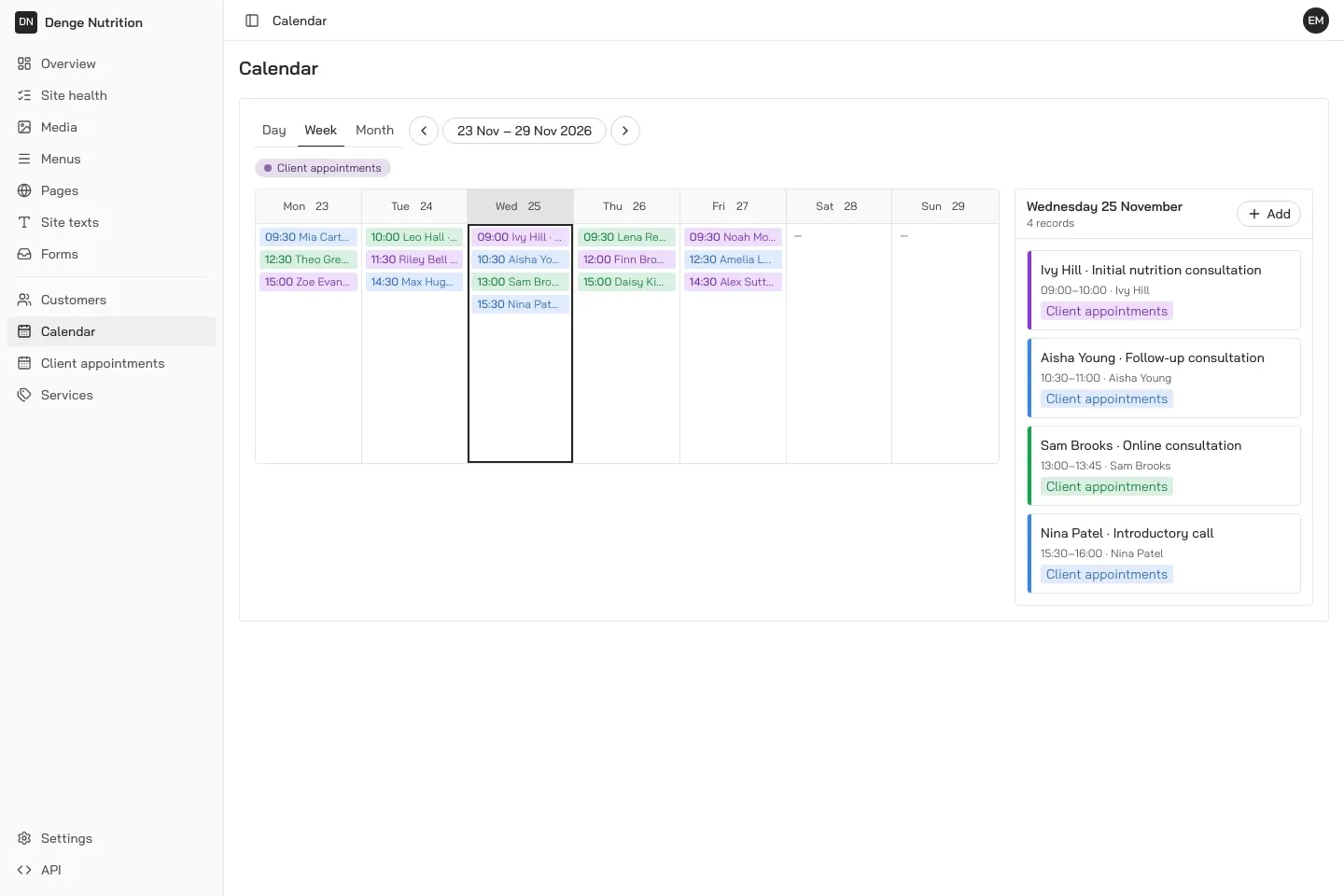
A dietitian's website answers the questions a prospective client has: are sessions online or in person, what happens at the first appointment, and how do I book? On Workzed you describe your work in your own words; the AI consultant asks questions, shows the pages it will set up and builds what you approve. Your appointment types, session lengths, packages and professional profile go online, and a first consultation form collects the visitor's preferred format and the times that suit them. In the admin panel, first and follow-up appointments sit on a calendar, and each client's contact details and appointment history are kept on their own record.
A dietitian's day with Workzed
- In the morning the calendar shows the day's appointments: which are first sessions and which are follow-ups, which are online and which are at the practice. Clients were sent a reminder the day before by SMS, WhatsApp or e-mail.
- Before noon a first consultation request comes in from the site; the visitor has chosen an online session and listed the times that suit them. You pick the one that works for you, confirm it, and it goes onto the calendar.
- In the afternoon a client asks to move a follow-up; requests for a new time are kept apart in the panel. As you offer a new slot, you can see their earlier appointments on their record.
- In the evening you go through outstanding follow-ups: the list shows clients who have no follow-up booked yet, and you mark the ones to contact tomorrow.
What the site and panel include
- Appointment types, session lengths and online or in-person options
- A first consultation form asking for the preferred format and suitable times
- A calendar of first and follow-up appointments by date, time and status
- Client records with contact details and appointment history
- Packages with the number of sessions, format and what is included
- A list of follow-ups, cancellations and rescheduling requests
- A practitioner profile, articles on preparing for a first visit and a contact page
Frequently asked questions
Can clients book directly from the site?
For a first session, the visitor sends their preference and suitable times through the form and you confirm. If you would rather clients book straight into your working hours, that can be set up too; the consultant asks which you prefer during setup.
Are health details and meal plans kept here too?
The client record holds contact details and appointment history. You tell the consultant where and how you keep measurements or meal plans, and it asks you during setup.
Can I send appointment reminders?
Yes. Reminders and notices of changes go out by SMS, WhatsApp or e-mail, and you choose which channels to use.
How do I show session packages on the site?
You publish each package with its number of sessions, format, what is included and its price. If you want to take payment by card, you can send the client a payment link.