How do you build a cafe website with AI?
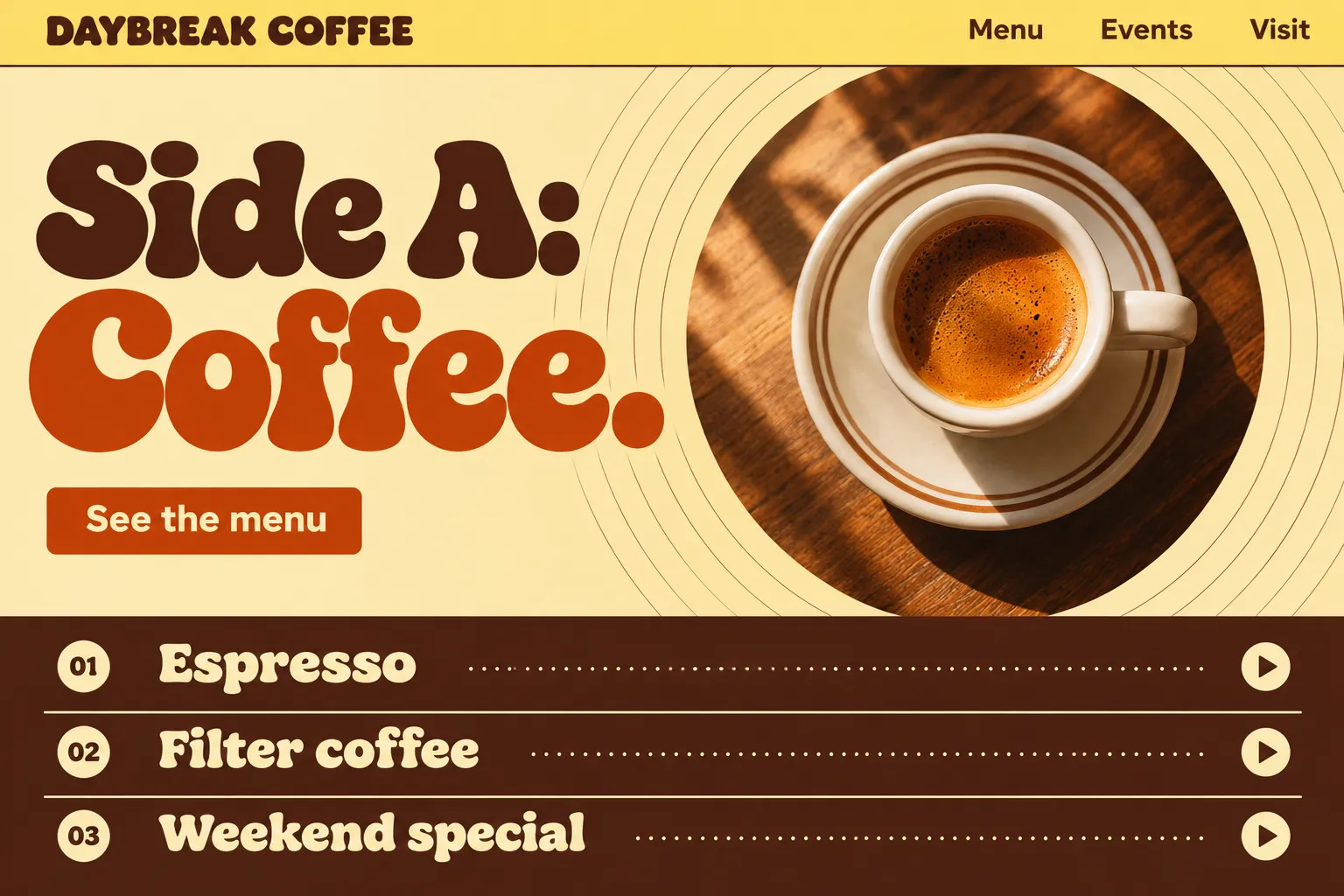
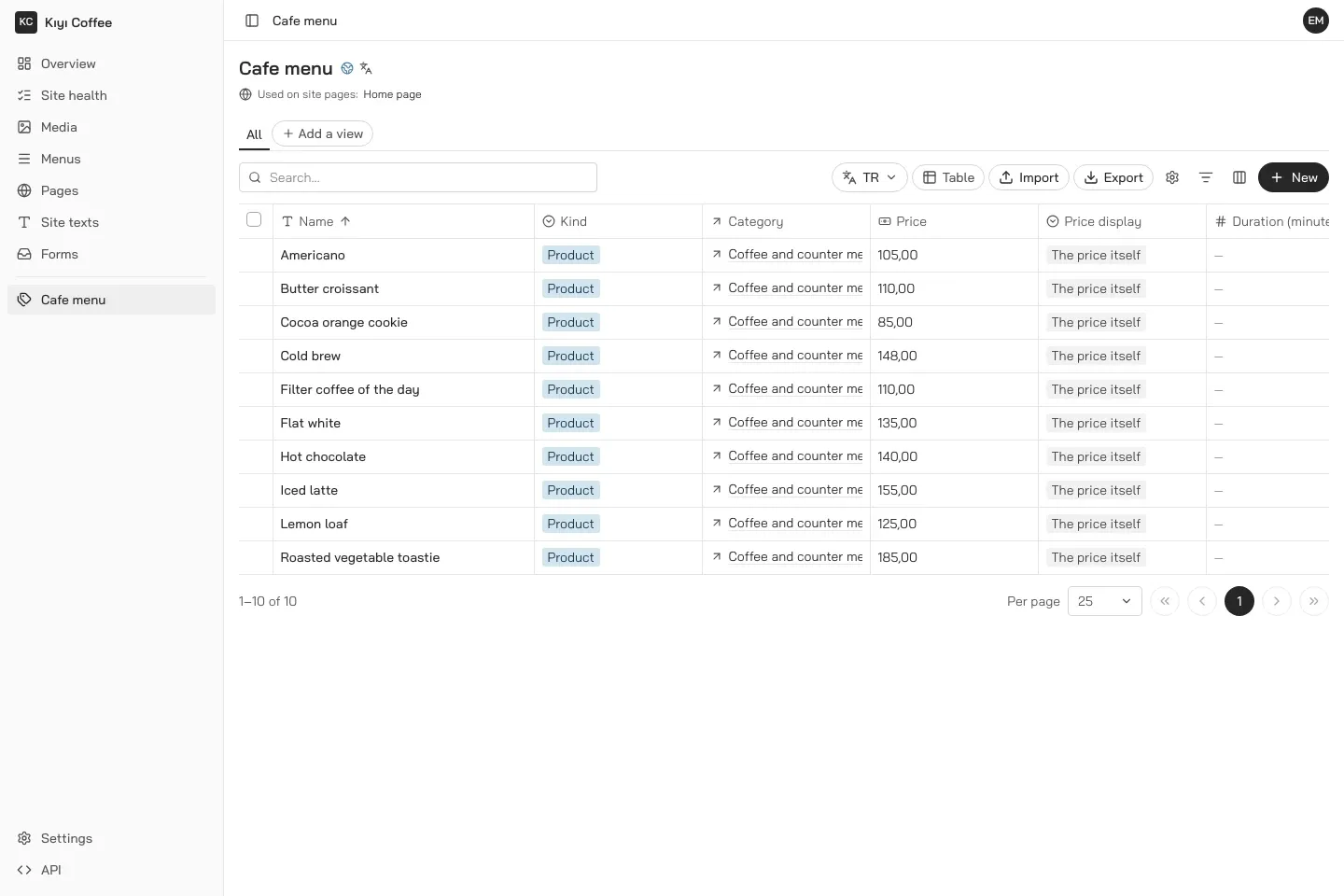
A cafe's website answers what people want to know before they drop in: are you open now, what is on today, can I sit and work for a while, and is anything on this week? On Workzed you describe your work in your own words; the AI consultant asks questions, shows the pages it will set up and builds what you approve. Your coffee and food go online with sizes and prices, along with amenities such as outdoor seating and work tables, and the dates of your tastings and workshops. In the admin panel, event registrations and bulk order enquiries are tracked, with the ones awaiting a reply kept apart.
A cafe's day with Workzed
- In the morning you update the day's options as you open: this week's filter beans, the cake on the counter, the cookies that have sold out. The change shows on the site's menu straight away.
- Before noon you look through registrations for Saturday's brewing workshop; each one arrives linked to that event, and those waiting for an answer are kept apart from those you have replied to.
- In the afternoon a nearby office asks about coffee and snacks for a meeting; the date and quantities come in through the form, the enquiry is kept on its own record and you send your quote from there.
- In the evening you announce the new seasonal drink and next Monday's change to opening hours, and add the photos from the workshop to the gallery.
What the site and panel include
- A drinks and food menu with categories, sizes, prices and the day's options
- Amenities: outdoor seating, work tables and access details
- Event pages for tastings, exhibitions and workshops with dates, times and how to take part
- Registrations linked to each event, with their reply status
- Bulk enquiries for coffee, desserts and snacks for occasions
- Announcements for new drinks, changes to hours and temporary closures
- A gallery, a blog about coffee and brewing, and a contact page with the address and transport details
Frequently asked questions
Can I see who has registered for an event?
Yes. Registrations are listed under the event they belong to, so you see who is coming and who is still waiting for a reply. You can export the list to Excel if you need it.
How do I take a seasonal drink off when the season ends?
You remove it from the day's options on the menu or take its announcement down; the site shows whatever the panel shows.
Can staff update the menu without access to everything else?
Yes. Each person gets a role, so baristas can update the menu while only you see event registrations and bulk enquiries.
Can I set up a stamp card or discounts for regulars?
This setup covers the menu, events and bulk orders. If you run something for regular customers, you tell the consultant how it works, and it asks you during setup.