How to build a bakery website with AI
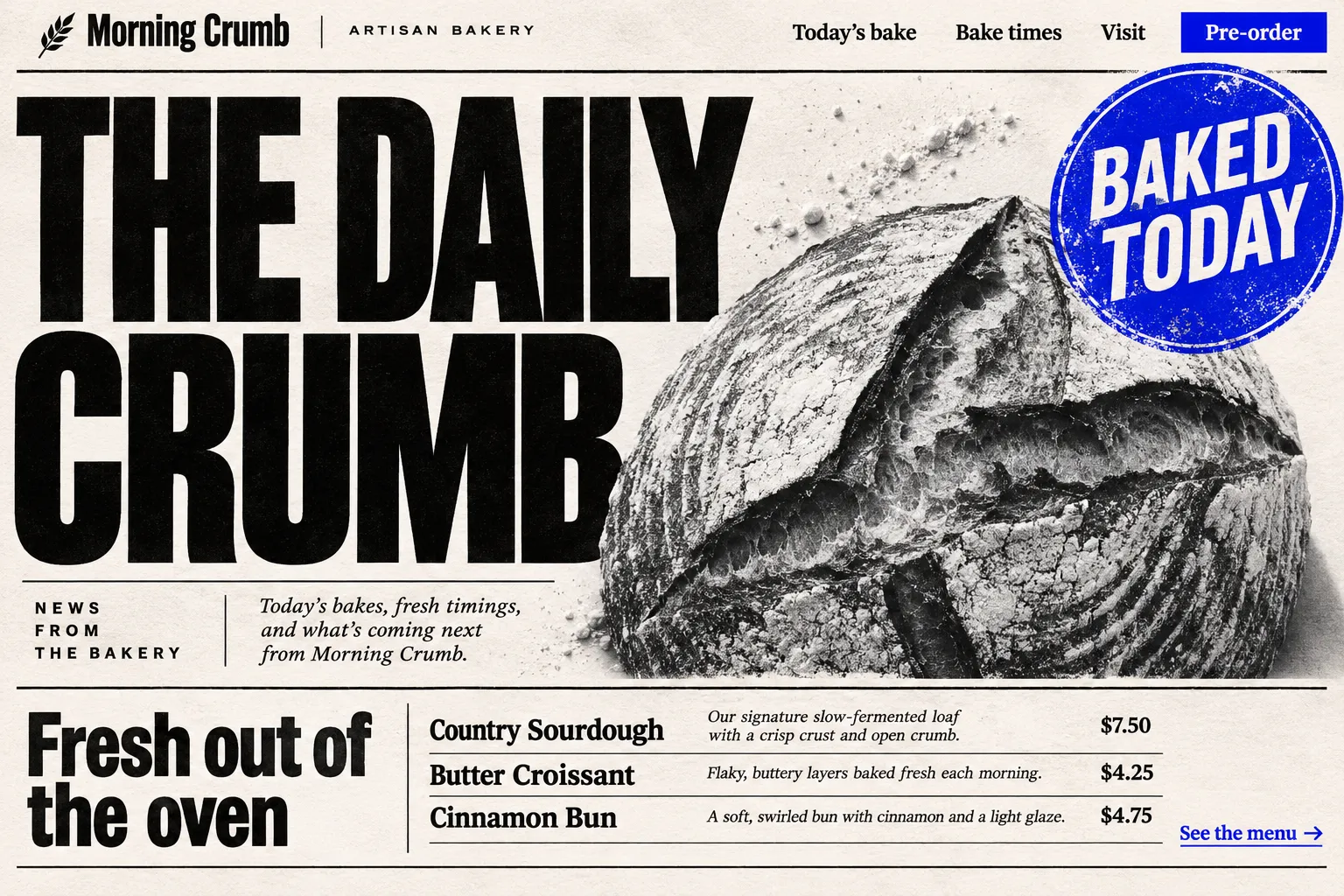
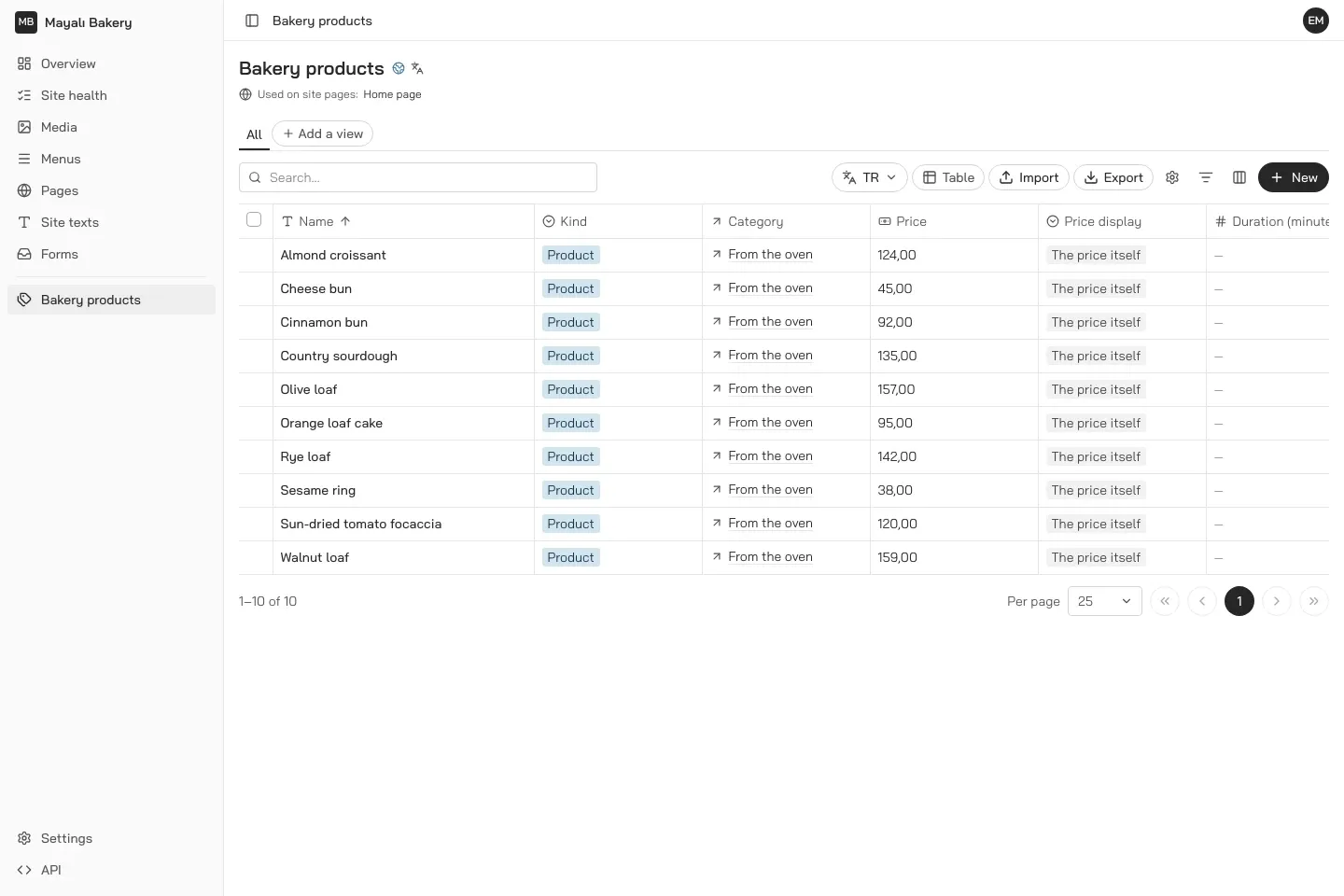
A bakery's website answers two questions: what is on the counter today, and how do I order for the weekend? On Workzed you describe your work in your own words; the AI consultant asks questions, shows the pages it will set up and builds what you approve. Your breads, pastries and desserts go online with their weights, prices and selling days, and a pre-order form collects the item, quantity and pickup day. In the admin panel those orders sit on a calendar by preparation and pickup date.
A bakery's day with Workzed
- In the morning you update the day's items in the panel from what came out of the oven; an item that has sold out, or is only baked today, shows that way on the site too.
- Before noon you go through Saturday's pre-orders: requests awaiting confirmation are kept apart from confirmed ones, and you confirm each with its quantity and pickup day in view.
- In the afternoon a cafe asks for a regular delivery; wholesale enquiries come through their own form and are kept in their own records, apart from retail orders.
- In the evening the production and pickup calendar shows the trays, boxes and celebration cakes to prepare tomorrow.
What the site and panel include
- A catalogue of breads, pastries and desserts with weights, prices and selling days
- Pre-orders and occasion orders: boxes, trays, celebration cakes, dates and special requests
- A production and pickup calendar
- A wholesale enquiry form for cafes and businesses
- Product photos with ingredient and allergen notes
- A blog and a contact page with the address, opening hours and collection point
Frequently asked questions
Can allergen information show on the site?
Yes. Ingredients and allergens are kept on the product's own record and shown with it on the site; when a recipe changes, you update it in one place.
How do I show items that are only baked on certain days?
You set the item's selling days on its record, and the site shows them. An item that sells out during the day is updated from the panel.
Can phone orders go in the same place?
Yes. You enter a phone order in the panel; it sits on the same calendar and in the same confirmation queue as orders from the site.
Can wholesale customers get different prices?
Wholesale enquiries come through their own form into their own records. Whether you price them by quote or keep a customer's own list, you tell the consultant, and it asks you during setup.