An admin panel is where you keep your business's records and share them with your team: who called, who has which job, what is done, what is paid. Building it with AI means describing how your work runs instead of designing each piece. The platform builds the structure; you approve it.
1. List what you keep track of
Everything you write today in a notebook, a spreadsheet or messages is a list: customers, devices, bookings, quotes, stock. Say what you write in each: “the customer's address and phone”, “the device's serial number”.
2. Describe the flow of work and who does what
“A customer calls, I open the job and assign it to a technician, the technician closes it from the phone” describes the statuses, the roles and the phone screen together. From this the consultant sets up who sees and changes which records: a technician sees only their jobs, accounting only the invoices.
3. See the proposed structure and approve it
Before building, the consultant shows the pages, fields, links and menu. You remove what you do not need and add what is missing. If a request would lead to a structure that causes trouble later (typing the VAT rate by hand on every record), the consultant explains why and builds the right structure for the same need: rates live in their own list and are picked on each record.
4. Bring your records and invite your team
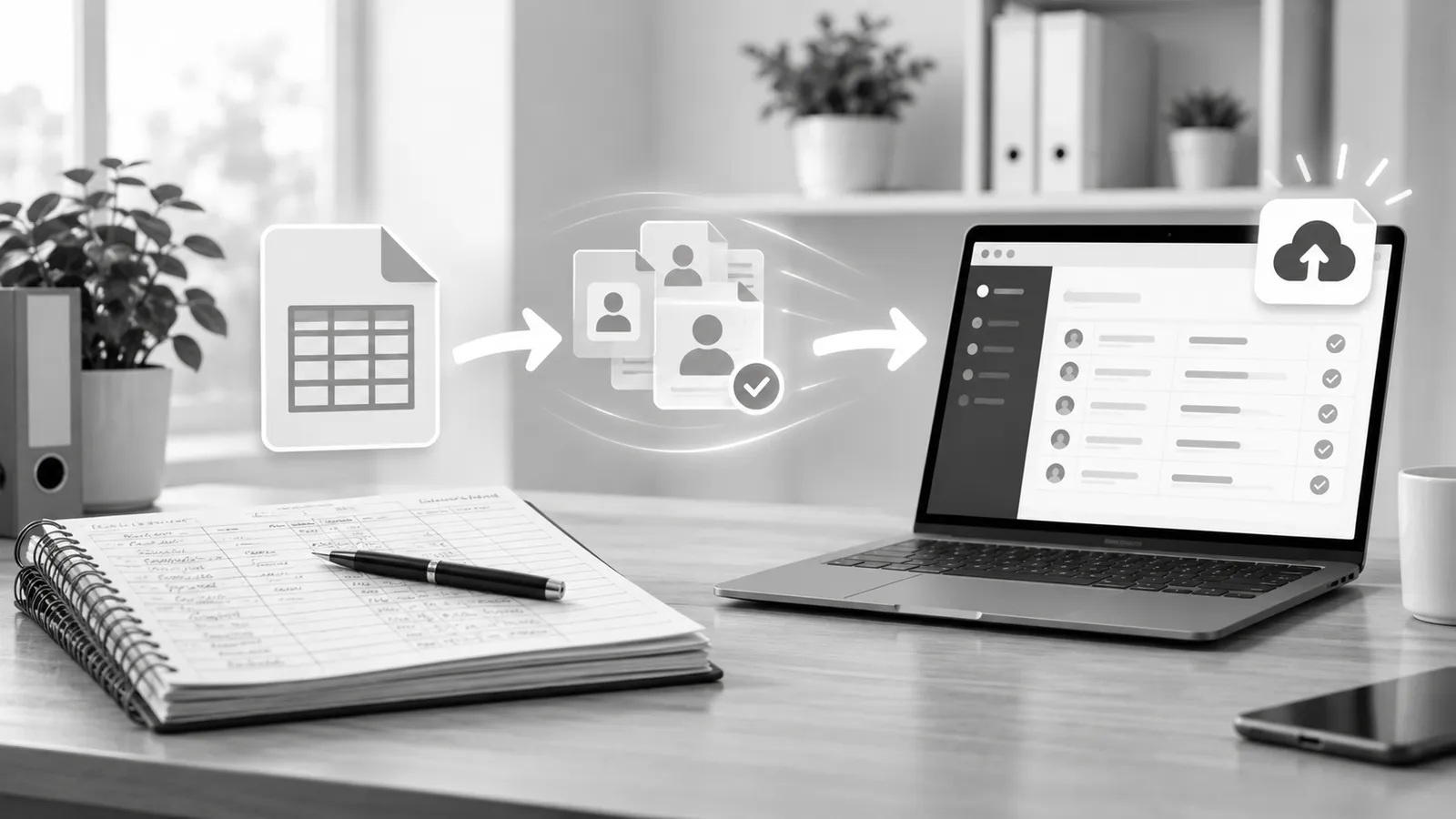
Once the panel is ready, you upload your Excel or CSV file, or even photograph a notebook page; columns are matched to fields and duplicates are caught. You invite teammates by e-mail; each signs in with their own role and can install the panel on their phone like an app.
As the panel grows
When you want a new field, list or rule, you tell the consultant; the change is prepared in a preview and goes live with your data kept. Rules such as “text the customer when a job is closed” are set up from a sentence, without code.
A picture beats a long description: adding a screenshot of the spreadsheet or form you use today helps the consultant set up the right fields the first time.