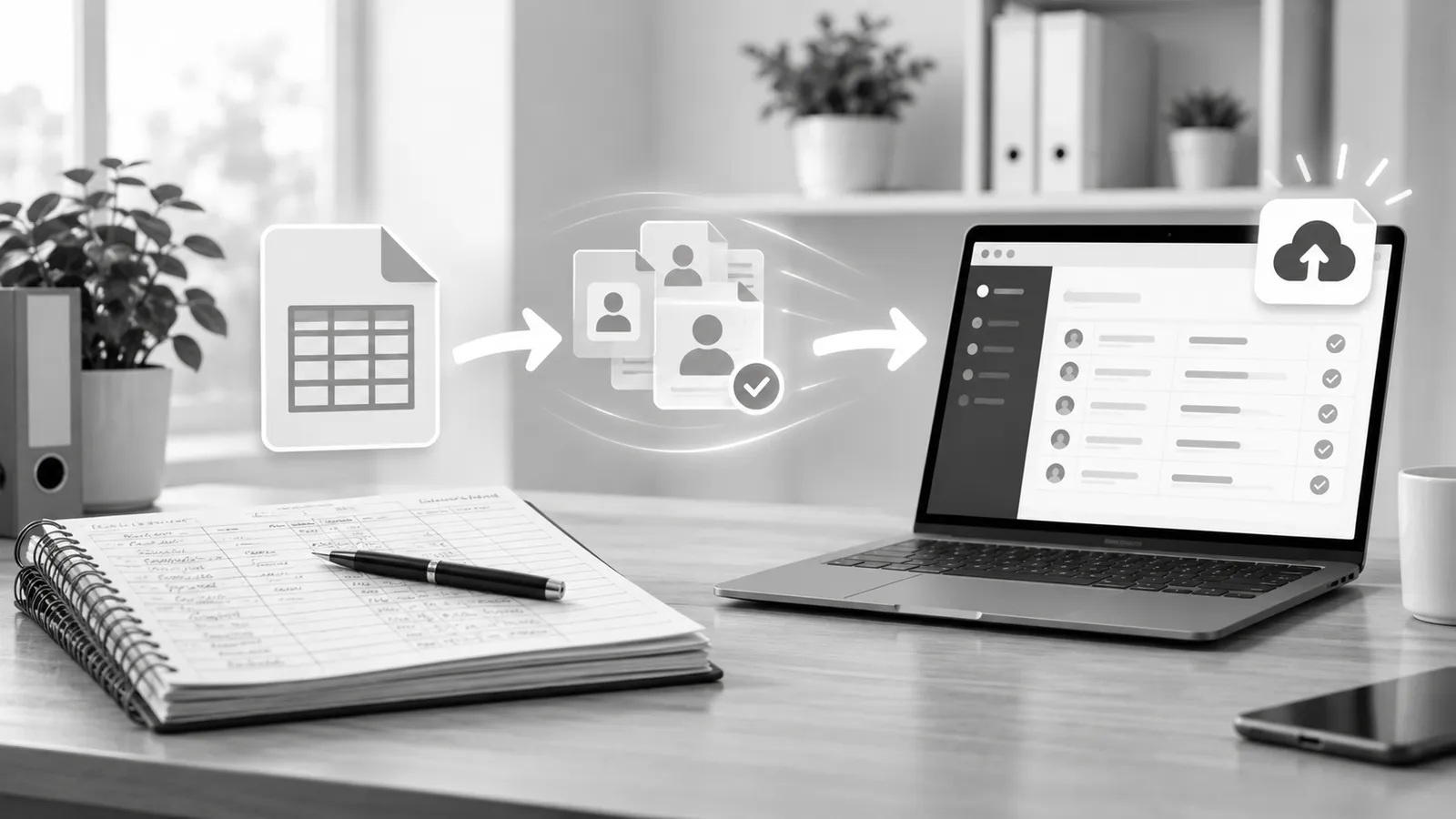
The hardest part of moving to new software is usually the old records: hundreds of customers, devices or appointments are written somewhere and nobody wants to type them again. On Workzed you bring your records in from where they are.
Set up the structure first, then bring in the data
When you show the consultant a photo of your spreadsheet or notebook, it works out which lists and fields your columns need. A sheet with “Name, Phone, District, Device, Last visit” columns becomes two lists, customers and devices; a customer can have several devices. That way the same customer is not written again for every device.
Three ways to bring records in
- Photo: take a picture of a notebook page or a printed list; its columns and rows are read, then matched like a spreadsheet. Reading the photo is paid from your credit.
- Excel or CSV: upload your file and match its columns to the list's fields.
- By hand: for a few records, type them straight into the list; the table is edited in the row, as in a spreadsheet.
Whichever way they come, every row is checked before anything is written: an amount that is not a number or a choice that does not exist is shown to you with its row number. A wrong record does not slip into the list.
The same list, seven views
Once the records are in, the layout menu above every list opens the same records another way: a board in columns by status, a calendar by date, a map by address, a gallery with photos, a timeline from start to end and a chart of the numbers. The menu offers only the views the list's fields allow.
Dragging a card on a board changes its status; dragging a bar on a timeline moves its dates. Name and keep a layout you like; next time it opens in one click.
Your data stays yours
Every list you fill can be exported to Excel again at any time. Your data is backed up every day and never shared with another business.